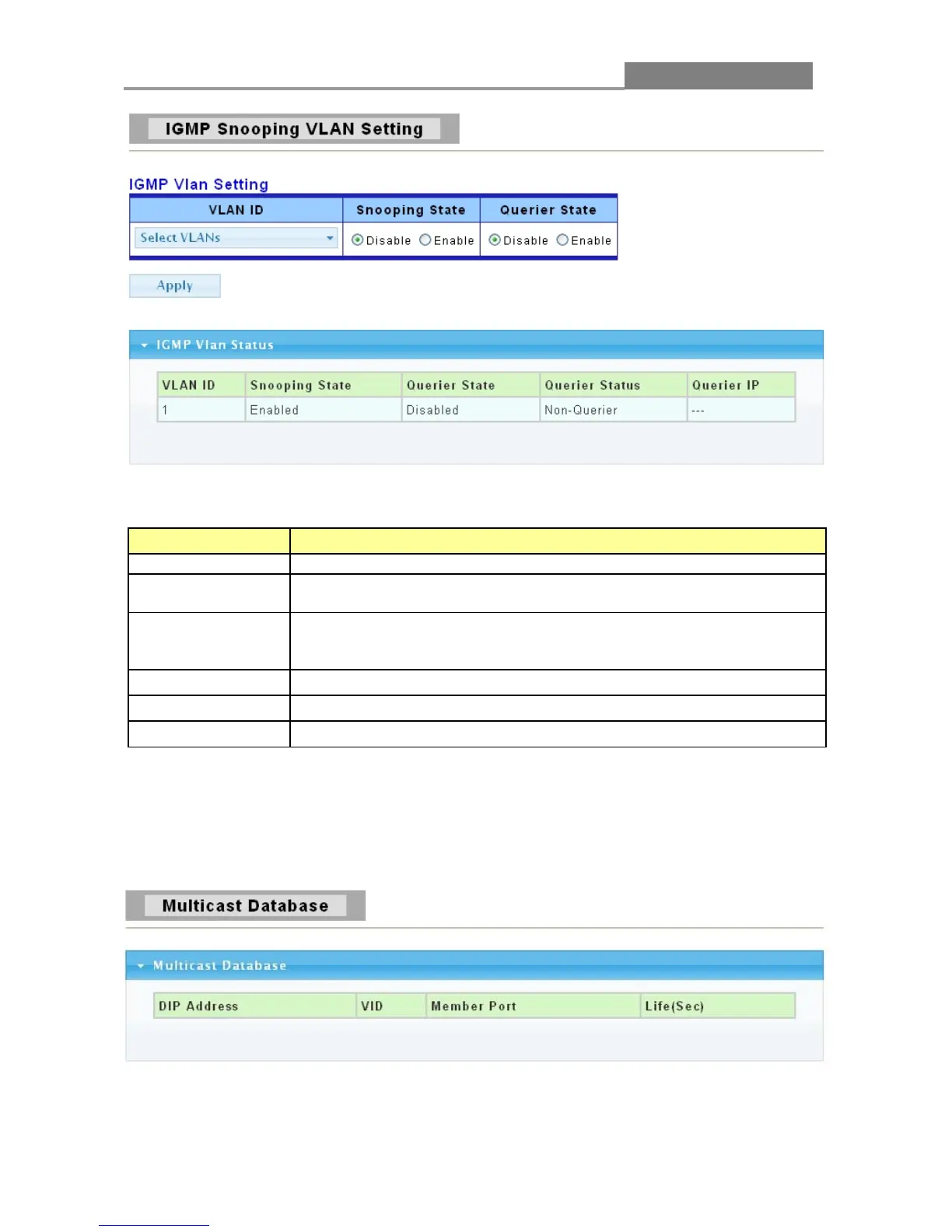
The following table describes the labels in this screen.
LABEL DESCRIPTION
Select the VLANs to configure.
Select Enable from the drop down box to enable IGMP.
Select Disable to not to use IGMP.
Select Enable from the drop down box to enable IGMP Querier
Select Disable to not to use IGMP Querier Election.
Click Apply to save your changes to the switch.
It displays the status of querier.
It shows the Querier IP of IGMP VLAN.
3.3.7.3 Multicast Database
Click Switching > IGMP Snooping > Multicast Database to access the screen below.
The following table describes the labels in this screen.














 To Next Page