Add Click Add to add any trap receiver.
IP Address
This field displays the IP address where the traps from the switch are
sent.
Community Type
This field displays the password which is sent with each trap to the
SNMP manager.
Delete Click Delete to remove any selected trap receiver entries.
3.8 Diagnostics
Use the Diagnostics pages to configure settings for the switch diagnostics feature or operating
diagnostic utilities.
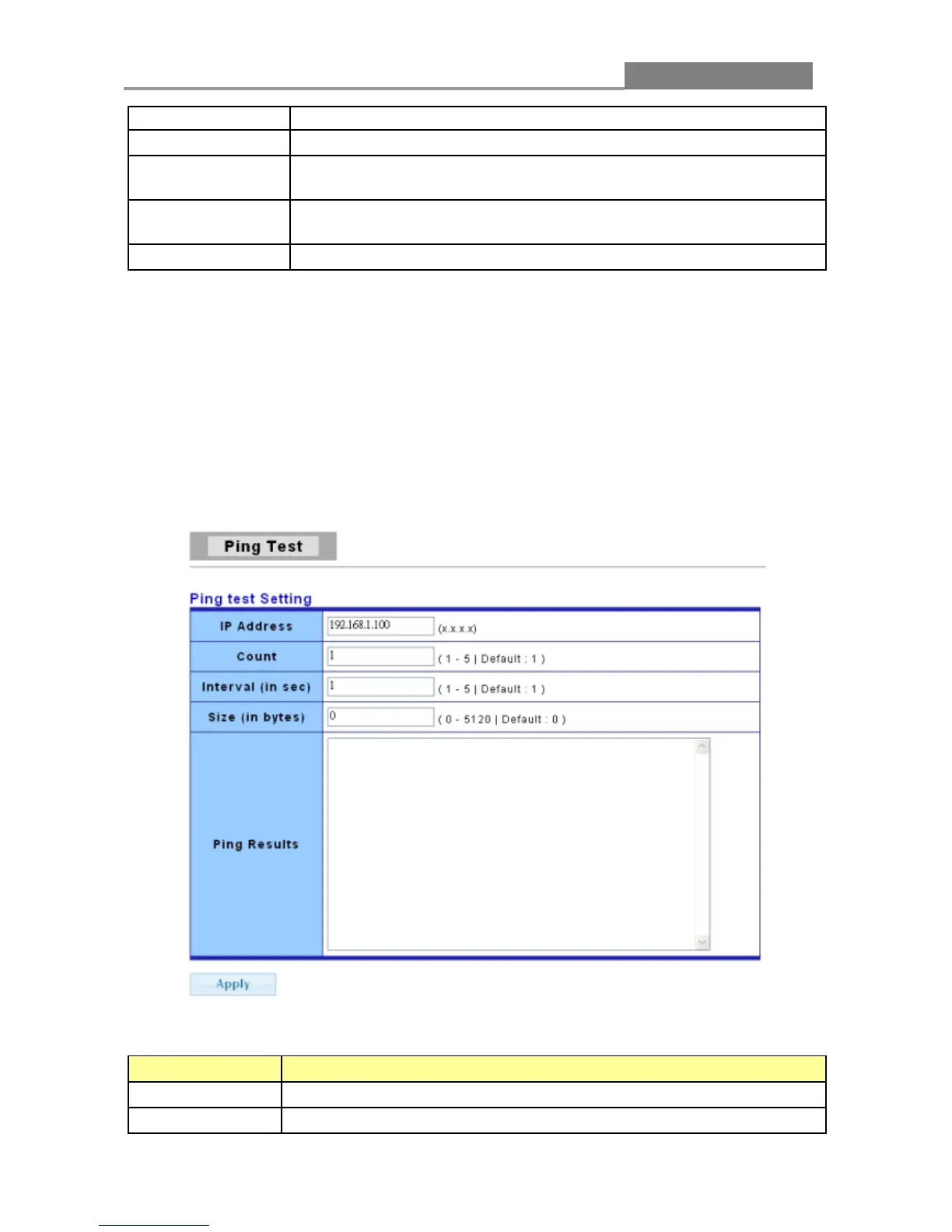
3.8.1 Ping Test
The following table describes the labels in this screen.
LABEL DESCRIPTION
IP Address
Enter the IP addresses of the test destination.
Count
It displays how many times to send ping request packet.














 To Next Page