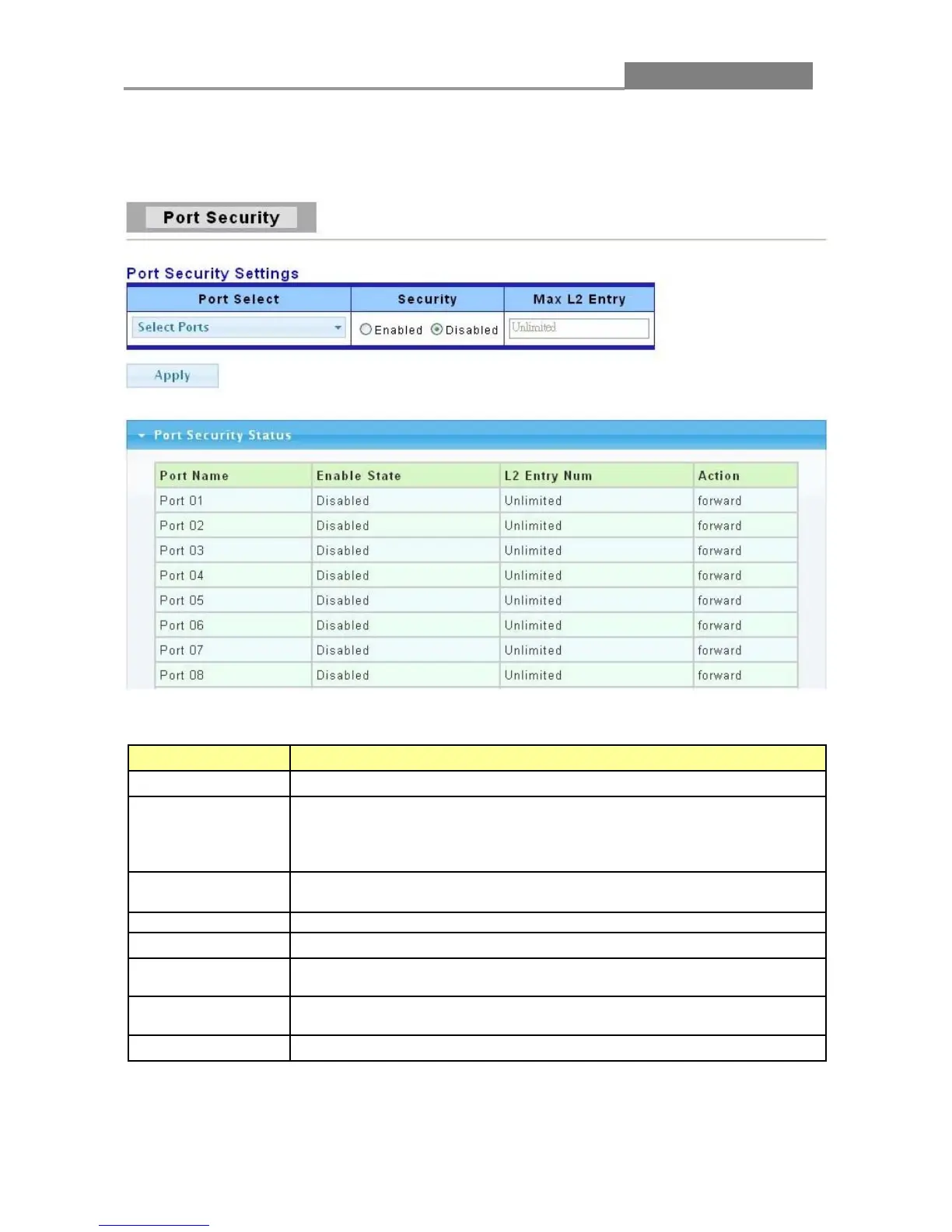
3.4.4 Port Security
Click Security > Port Security to display the configuration screen as shown.
The following table describes the labels in this screen.
LABEL DESCRIPTION
Port Select
Select the port(s) to configure this setting
Port security function. It constraint how many MAC addresses can be
learned by a port and drop new one when reach the limitation.
Enable: Enable port security function.
Disable: Disable port security function.
Maximum number of Layer 2 entries that assign the MAC address to
Click Apply to save your changes to the Switch.
This field displays the port number.
This field displays the state of this function whether it has been enabled
or not.
This field displays the status of maximum number of Layer 2 entries of
the MAC addresses.
Action
This field displays the action of the port.














 To Next Page