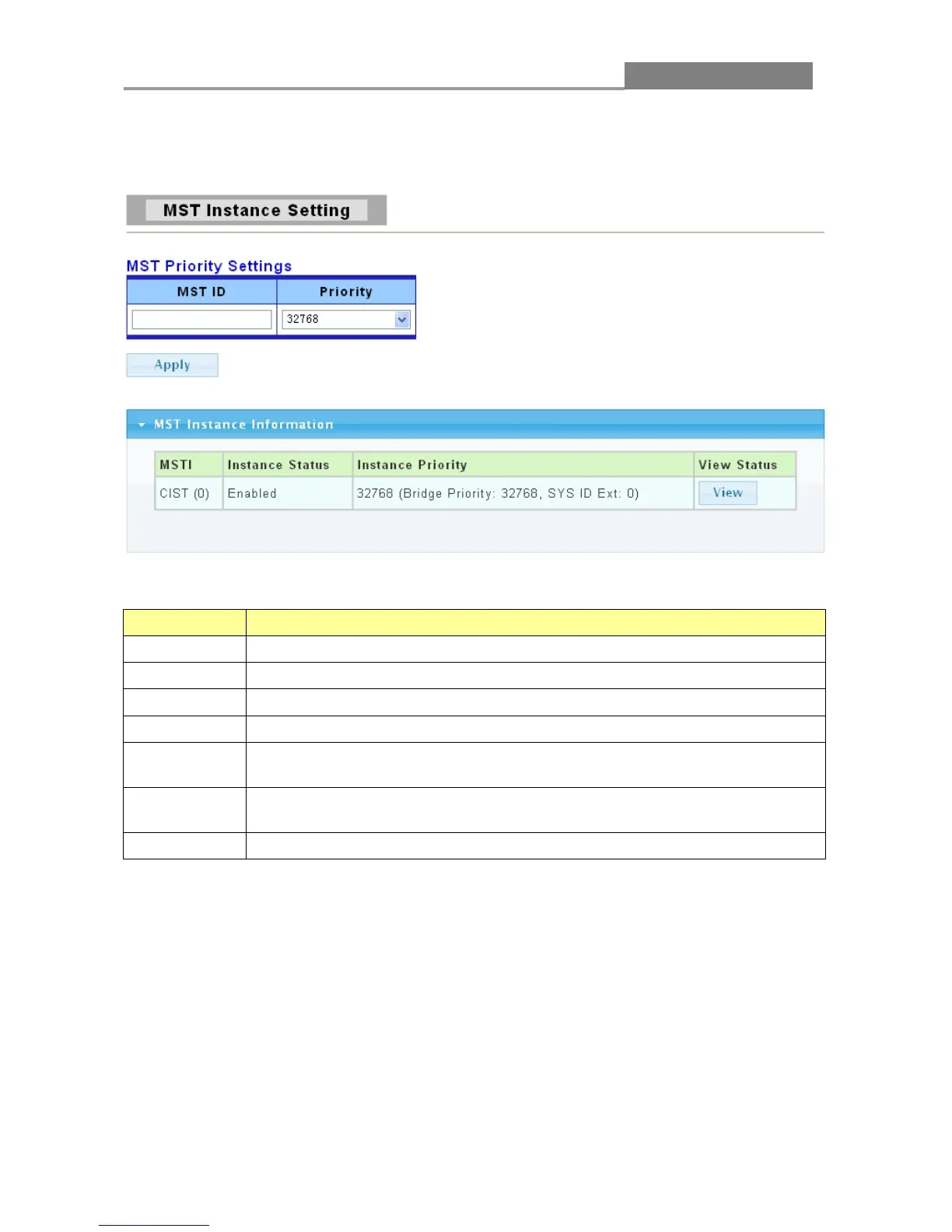
3.3.9.4 MST Instance Setting
Click Switching > STP > MST Instance Setting.
The following table describes the labels in this screen.
LABEL DESCRIPTION
MST ID
You can manually set the MST ID to specify MST instance.
Priority
You can manually set the Bridge Priority in the specified MST instance.
Apply Click Apply to save your changes to the switch.
MSTI
It displays the CIST’s number.
Instance
Status
It displays the status of MST instance.
Instance
Priority
It displays the priority of MST instance.
View Status Click View to view the status of MST instance.
3.3.9.5 MST Port Setting
Click Switching > STP > MST Port Setting.














 To Next Page