LABEL DESCRIPTION
DIP Address
This field displays IP address of this group.
VID
This field displays ID of configured VLAN (1~4094).
This field displays the ports that selected in the group address.
This field displays the life time of this group.
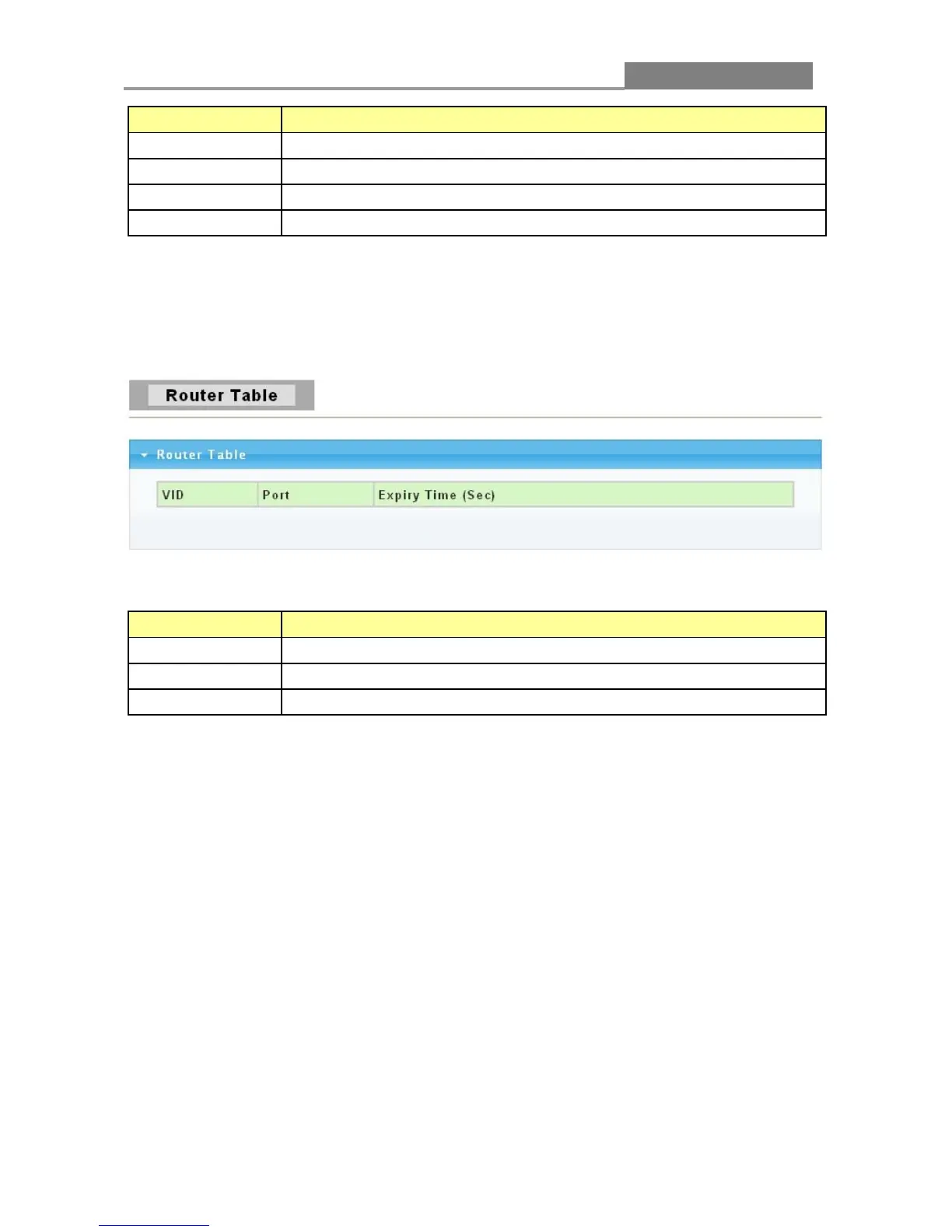
3.3.7.4 Router Table
Click Switching > IGMP Snooping > Router Table to access the screen below.
The following table describes the labels in this screen.
LABEL DESCRIPTION
VID
The VLAN ID that has router port.
Router port (i.e. the port ID where IGMP Query message received ).
This field displays the expiry time of the router port.
3.3.8 Jumbo Frame
This page allow user to configure switch port jumbo frame settings.
Click Switching > Jumbo Frame in the navigation panel to bring up the screen as shown next.














 To Next Page