EasyManua.ls Logo

LevelOne GES-2450 - Access; Console; Protected Ports

LevelOne GES-2450
94 pages
Print Icon
To Next Page IconTo Next Page
To Previous Page IconTo Previous Page
Loading...
Web Smart Switch
62
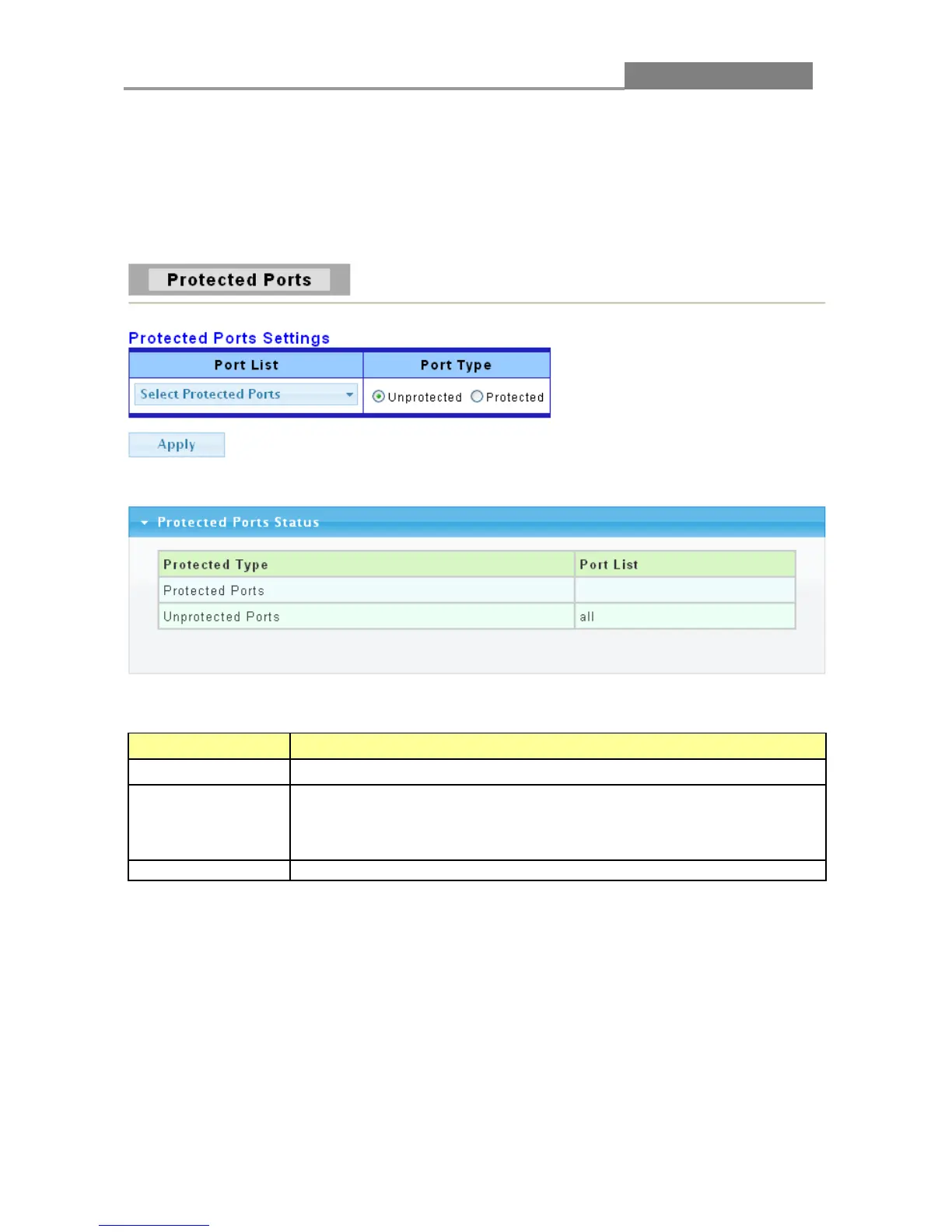
3.4.5 Protected Ports
This page allow user to configure protected port setting to prevent the selected ports from
communicate with each other.
Click Security > Protected Ports to display the configuration screen as shown.
The following table describes the labels in this screen.
LABEL DESCRIPTION
Port List
To select the port to be protected.
Port Type
Configure port protect type:
Unprotected: Unprotected port can communicate with all ports.
Protected: Prevent protected ports from communicate with each
other.
Apply
Click Apply to save your changes to the Switch.
3.4.6 Access
3.4.6.1 Console

Table of Contents

Related product manuals