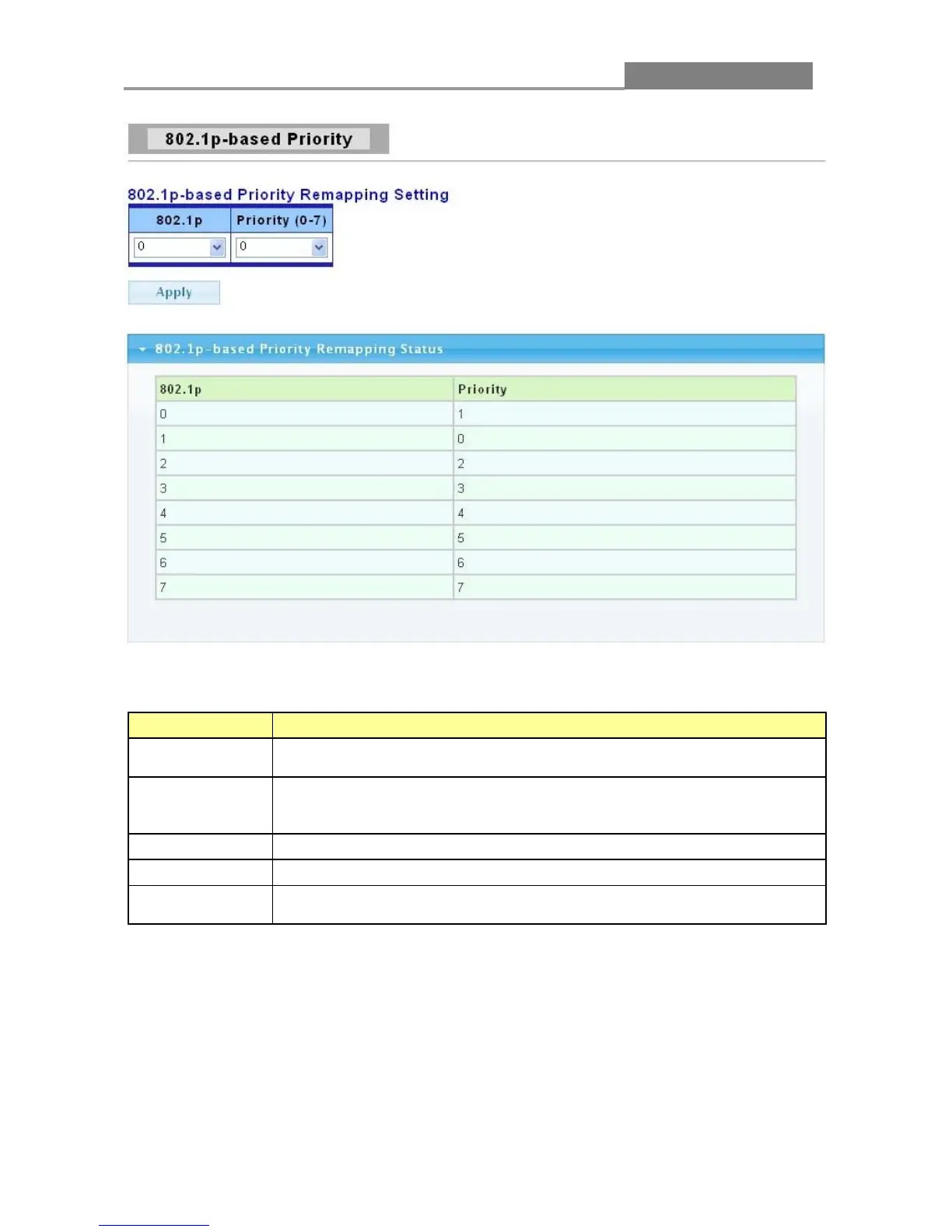
The following table describes the labels in this screen.
LABEL DESCRIPTION
802.1 p
Select the 802.1p value to mapping to the priority and drop precedence.
The 802.1p range is 0 to 7.
Select the IEEE 802.1p priority you want to assign to the packets coming
into the switch on the ports specified in the port field. The priority range is
Click Apply to save your changes to the switch.
This field displays the 802.1p priority level which you’ve choosed..
This field indicates what IEEE 802.1p priority is assigned to the incoming
packets from the port.
3.6.3 DSCP - based Priority
You can configure the switch to assign an IEEE 802.1p priority to packets coming into the switch
with DSCPs assigned to them.
Click QoS > DSCP-based Priority to display the screen as shown next.














 To Next Page