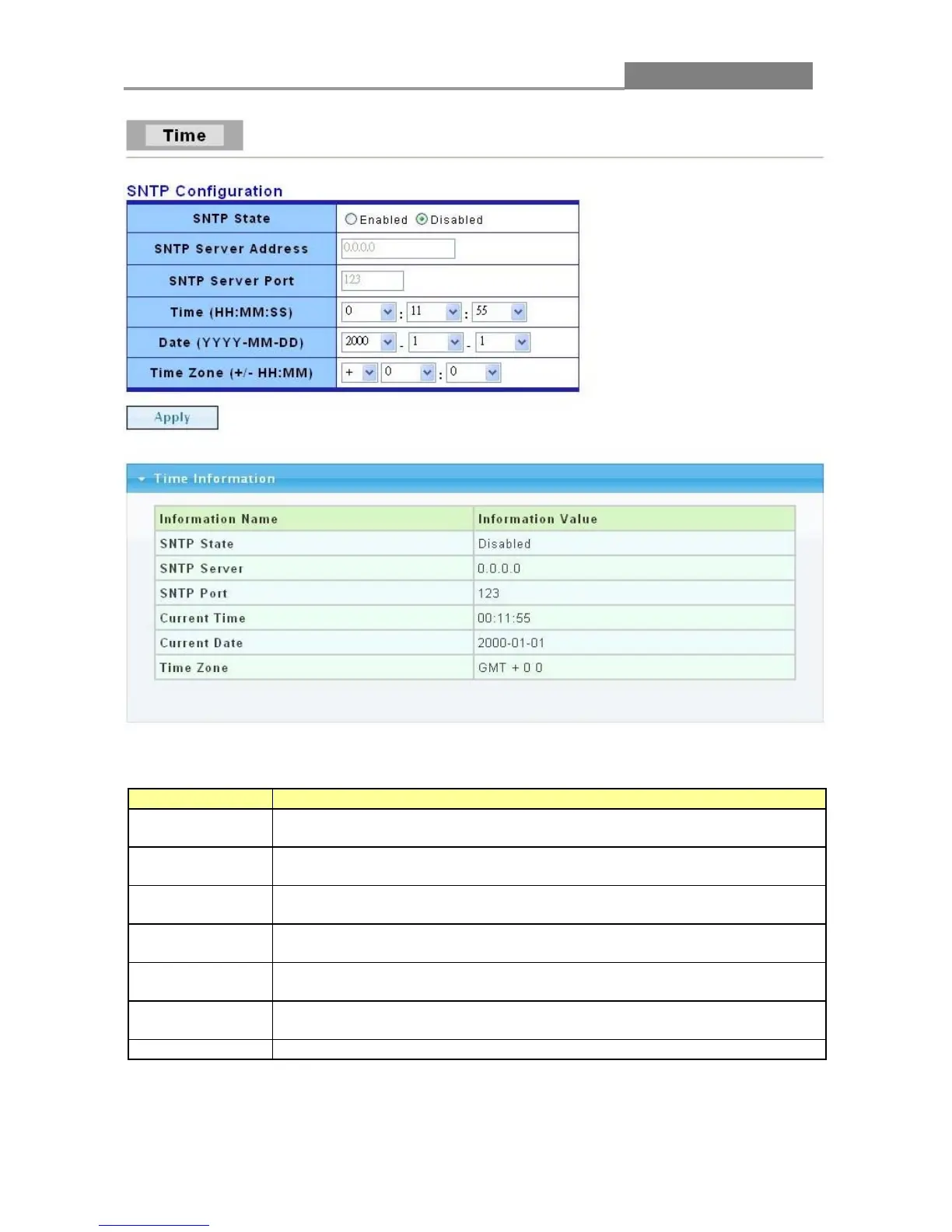
The following table describes the labels in this screen.
Select Enable to use Simple Network Time Protocol (SNTP) or Disable
to set the time manually.
If SNTP is enabled, enter the IP address of the time server you will use.
It shows the Port Number of SNTP server.
If SNTP is disabled, enter the new time in hour, minute and second
format.
If SNTP is disabled, enter the new date in year, month and day format.
Select system time zone by hours and minutes. “+” means after-UTC and
“-” means before-UTC.
Click Apply to save your changes to the switch.














 To Next Page