Chapter 2
| Using the Web Interface
Navigating the Web Browser Interface
– 50 –
commands issued through the web interface. See “Configuring Interface Settings
for STA” on page 207.
Note:
Users are automatically logged off of the HTTP server or HTTPS server if no
input is detected for 600 seconds.
Note:
Connection to the web interface is not supported for HTTPS using an IPv6
link local address.
Navigating the Web Browser Interface
To access the web-browser interface you must first enter a user name and
password. The administrator has Read/Write access to all configuration parameters
and statistics. The default user name and password for the administrator is “admin.”
The administrator has full access privileges to configure any parameters in the web
interface. The default user name and password for guest access is “guest.” The guest
only has read access for most configuration parameters. Refer to “Configuring User
Accounts” on page 284 for more details.
Home Page
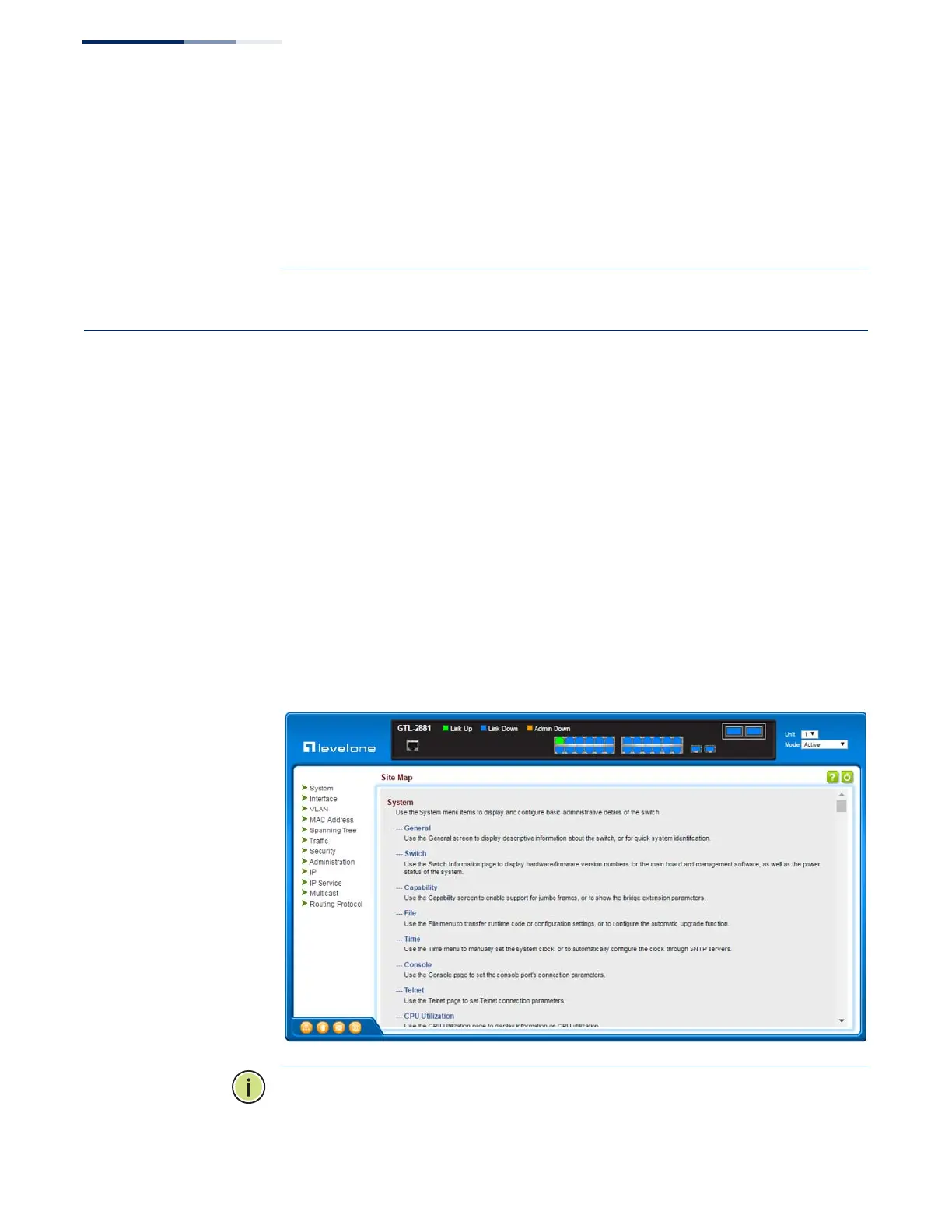
When your web browser connects with the switch’s web agent, the home page is
displayed as shown below. The home page displays the Main Menu on the left side
of the screen and System Information on the right side. The Main Menu links are
used to navigate to other menus, and display configuration parameters and
statistics.
Figure 1: Home Page
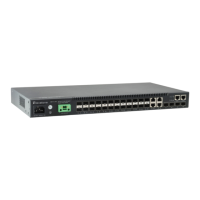
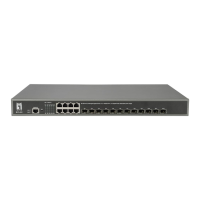
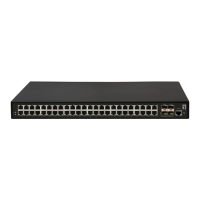
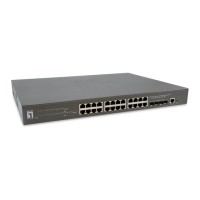
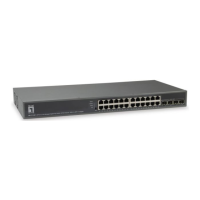
Note: This manual covers the GTL-2881 Gigabit Ethernet switch and GTL-2882
Gigabit Ethernet Fiber switch. Other than the difference in port types, there are no










 To Next Page