Chapter 3
| Basic Management Tasks
Displaying Memory Utilization
– 99 –
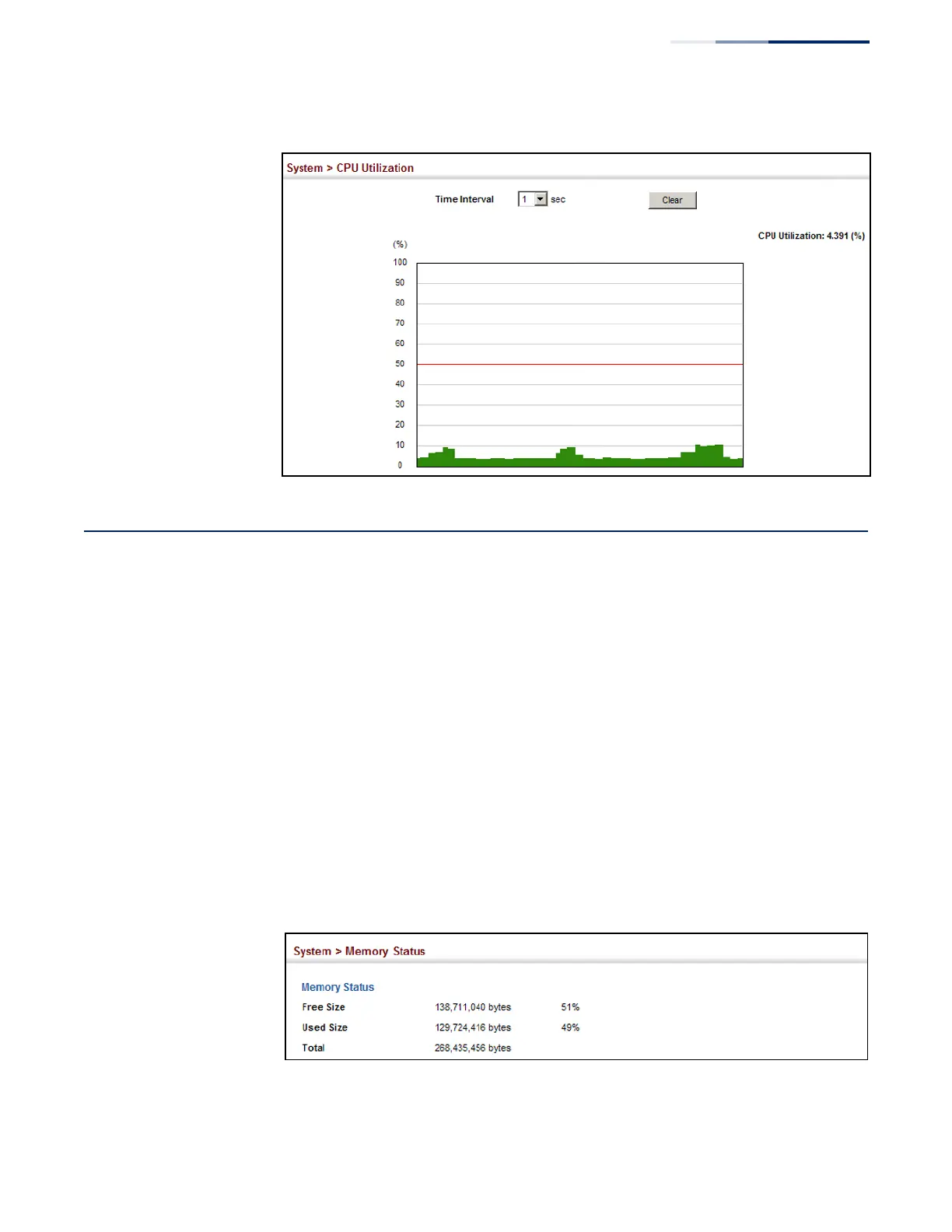
Figure 24: Displaying CPU Utilization
Displaying Memory Utilization
Use the System > Memory Status page to display memory utilization parameters.
Parameters
The following parameters are displayed:
◆
Free Size – The amount of memory currently free for use.
◆
Used Size – The amount of memory allocated to active processes.
◆
Total – The total amount of system memory.
Web Interface
To display memory utilization:
1.
Click System, then Memory Status.
Figure 25: Displaying Memory Utilization










 To Next Page