4. Operating AC Smart
AC Smart
4-28
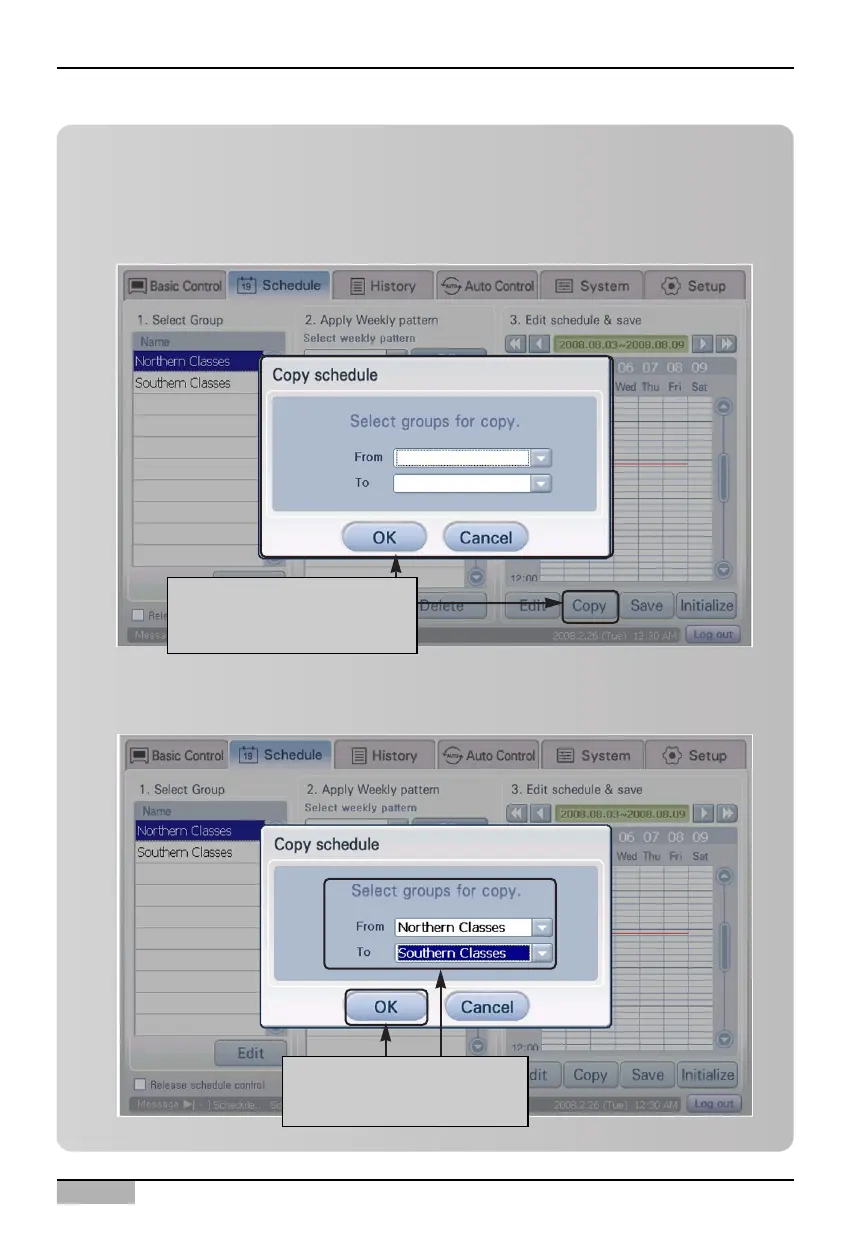
Information: Copying schedule
You can copy the schedule set to a specific schedule group to a different schedule group.
1. To copy the schedule, click on the [Copy] button from '3. Edit and save schedule'. 'Copy
schedule' screen is displayed.
2. After selecting the group to copy the schedule from and to, click on [OK] button.
When you click on [Copy]
button, "Copy schedule"
screen is displayed
After selecting group to
copy, click on [OK] button












 To Next Page