4. Operating AC Smart
AC Smart
4-30
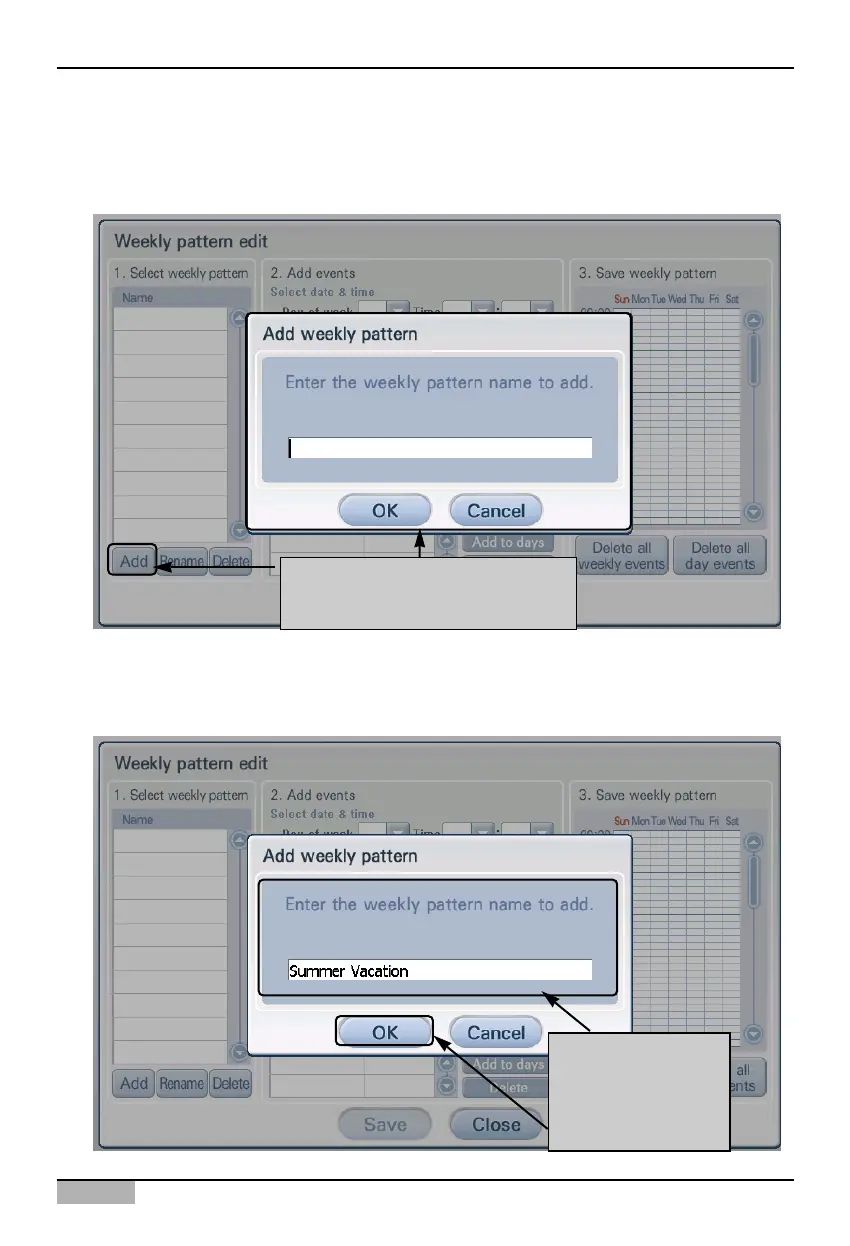
2. 'Edit weekly pattern' screen is displayed. To create a new weekly pattern, click on the [Add] button
located at the bottom of '1. Select weekly pattern'. 'Add weekly pattern' screen to enter the name of
the new weekly pattern is displayed.
3. 'Edit weekly pattern' screen is displayed. To create a new weekly pattern, click on the [Add] button
located at the bottom of '1. Select weekly pattern'. 'Add weekly pattern' screen to enter the name of
the new weekly pattern is displayed.
When you click on [Add] button,
"Add weekly pattern" screen is
displayed
After entering the
name of weekly
pattern
click on [OK] button.












 To Next Page