4. Operating AC Smart
Installation/Owner's Manual
4-37
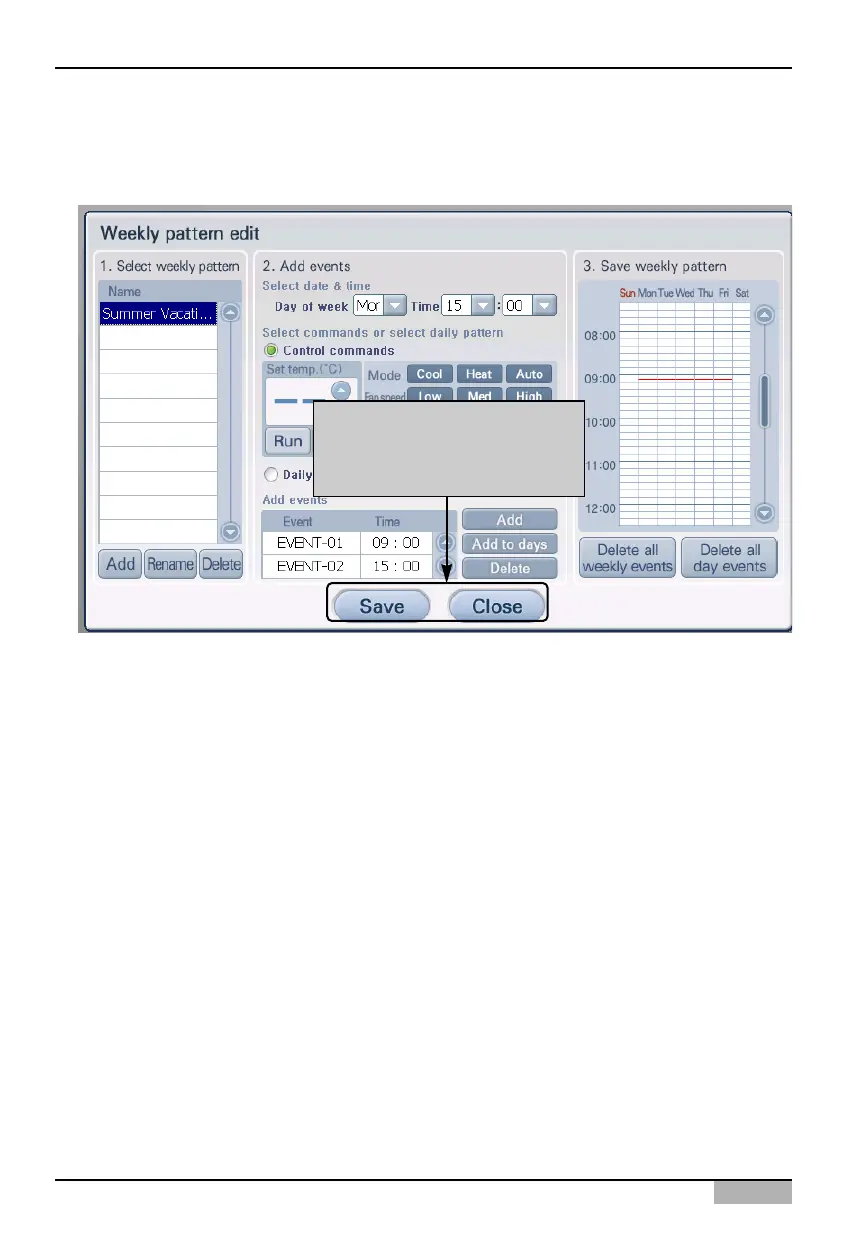
8. When you have set all planned events, you must save the set events in weekly pattern. Click on
the [Save] button to display saving progress and the current setting will be saved. When saving
weekly pattern has been completed, it will return to the prior screen.
Click on [Save] button to save
pattern, click on [Save] button
to return to prior screen












 To Next Page