4. Operating AC Smart
AC Smart
4-142
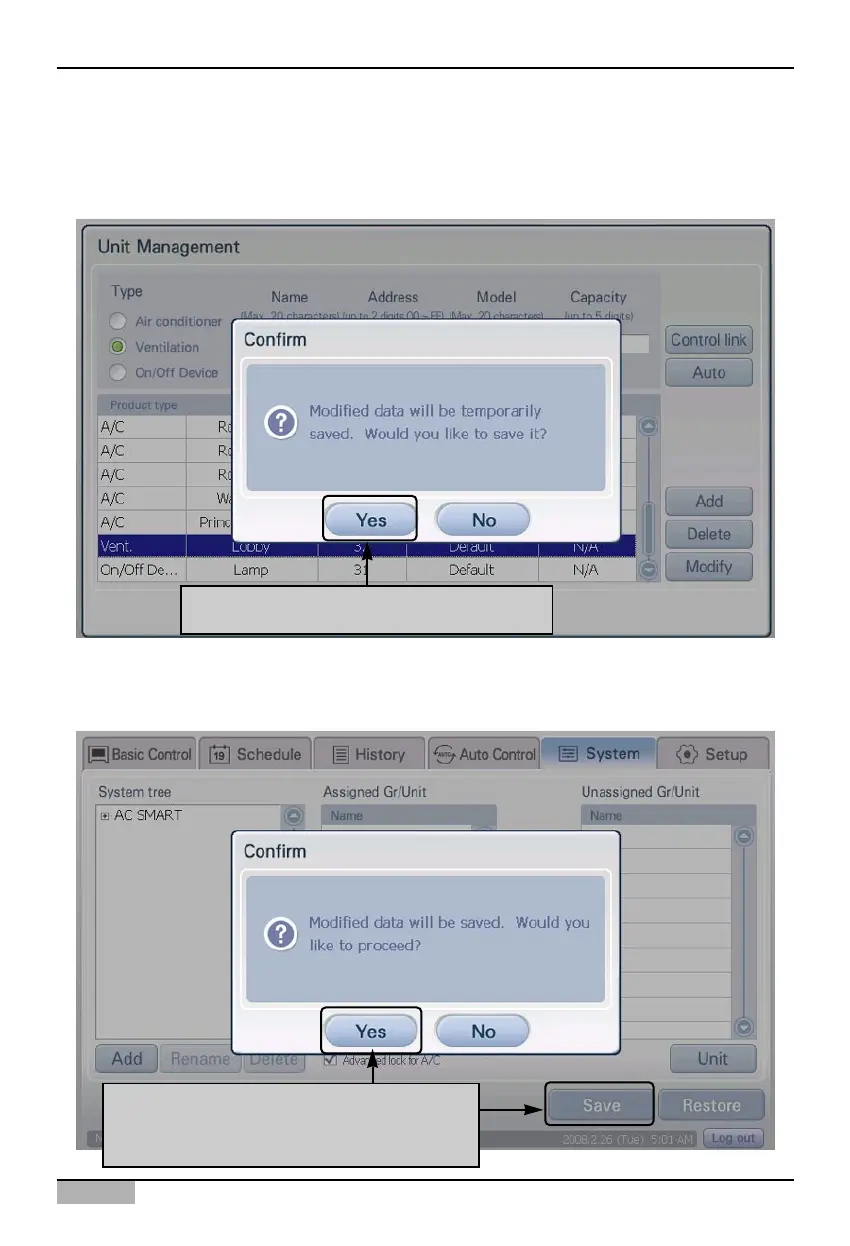
4. Click on the [OK] button to save the changes. 'Information' screen to temporarily save the current
setting is displayed. When you click on the [Yes] button, the 'Edit unit' screen will end and return to
the prior screen.
5. Lastly, you must register the setting of the unit temporarily saved. Click on the [Save] button to save
the setting. Message confirming to save will be displayed on screen. Click on the [Yes] button.
Click on [Yes] button to save to system
Click on [Save] button to apply to system
When "Information" screen is displayed,
click on [Yes] button












 To Next Page