4. Operating AC Smart
Installation/Owner's Manual
4-143
Information: Setting to interconnect the external central controller
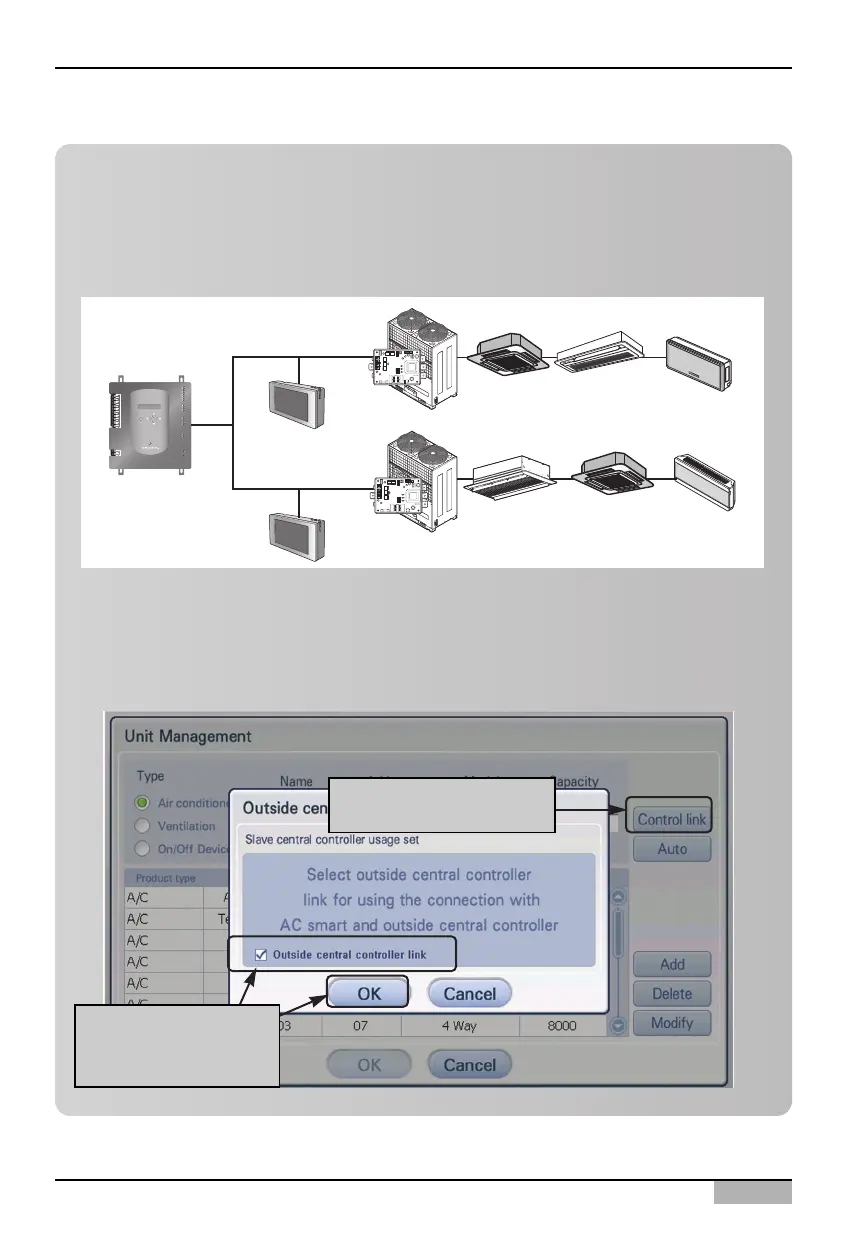
The AC Smart offer the function controlling the unit by interconnecting with other central controllers.
In this case, the external central controller operates as master while the AC Smart operates as
slave. When the external central controller operates as master, the external central controller gets
the right to control some functions. So, when the AC Smart operates as slave, you cannot use
schedule, automatic control and detailed lock functions.
In order to set the interconnection with the external central controller, press [Control
interconnection] button ‘Unit management’ screen. When ‘Set to interconnect with the external
central controller’ screen is displayed, check the check box at the bottom and press [OK] button.
Ext.












 To Next Page