2. AC Smart Installation
Installation/Owner's Manual
2-24
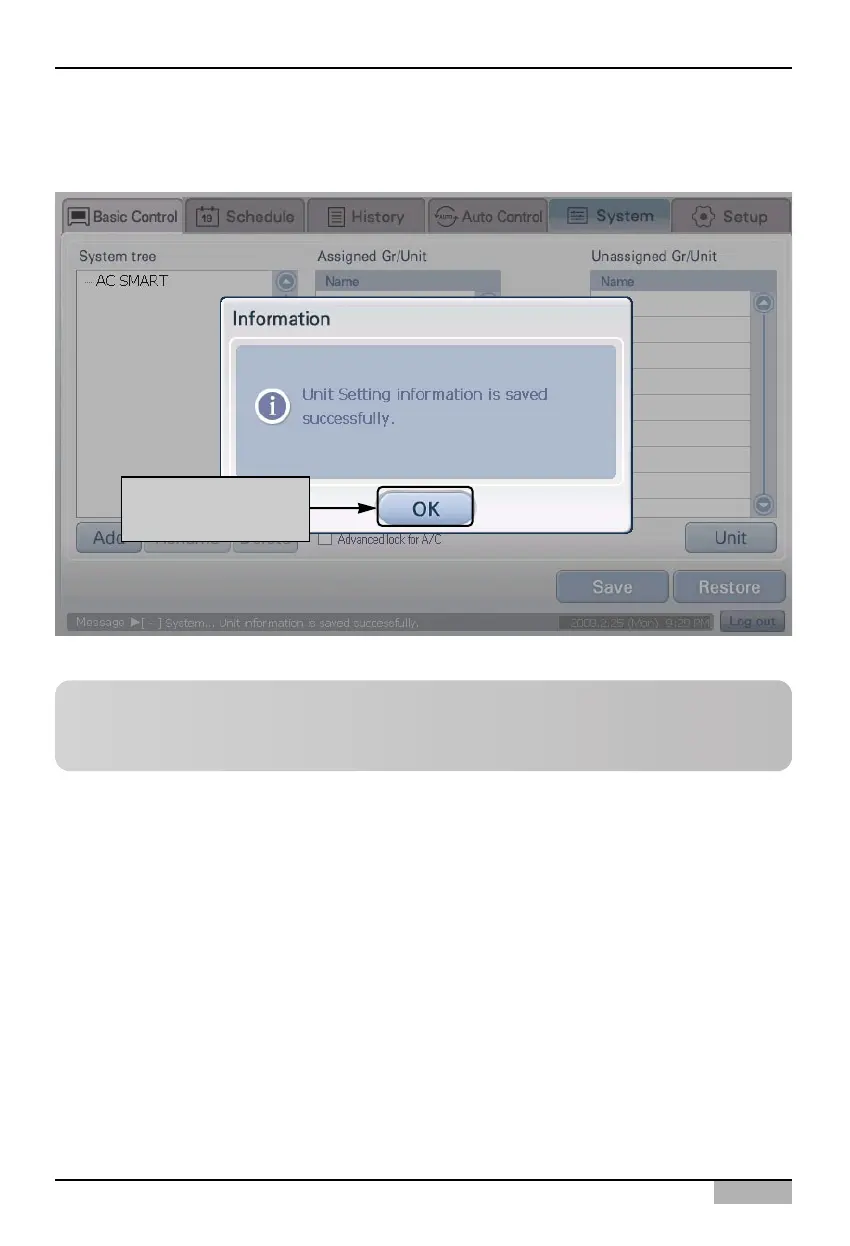
6. Current setting will be applied to the system and the message saying that the setting has been
saved will be displayed. Click on the [OK] button to complete the registration.
When it is saved,
click on [OK] button
Reference: Change information of registered unit
When you want to change the information of the registered unit such as name, or form a group with
the units, refer to the ‘Setting’ section on page 4-106.












 To Next Page