2. AC Smart Installation
Installation/Owner's Manual
2-28
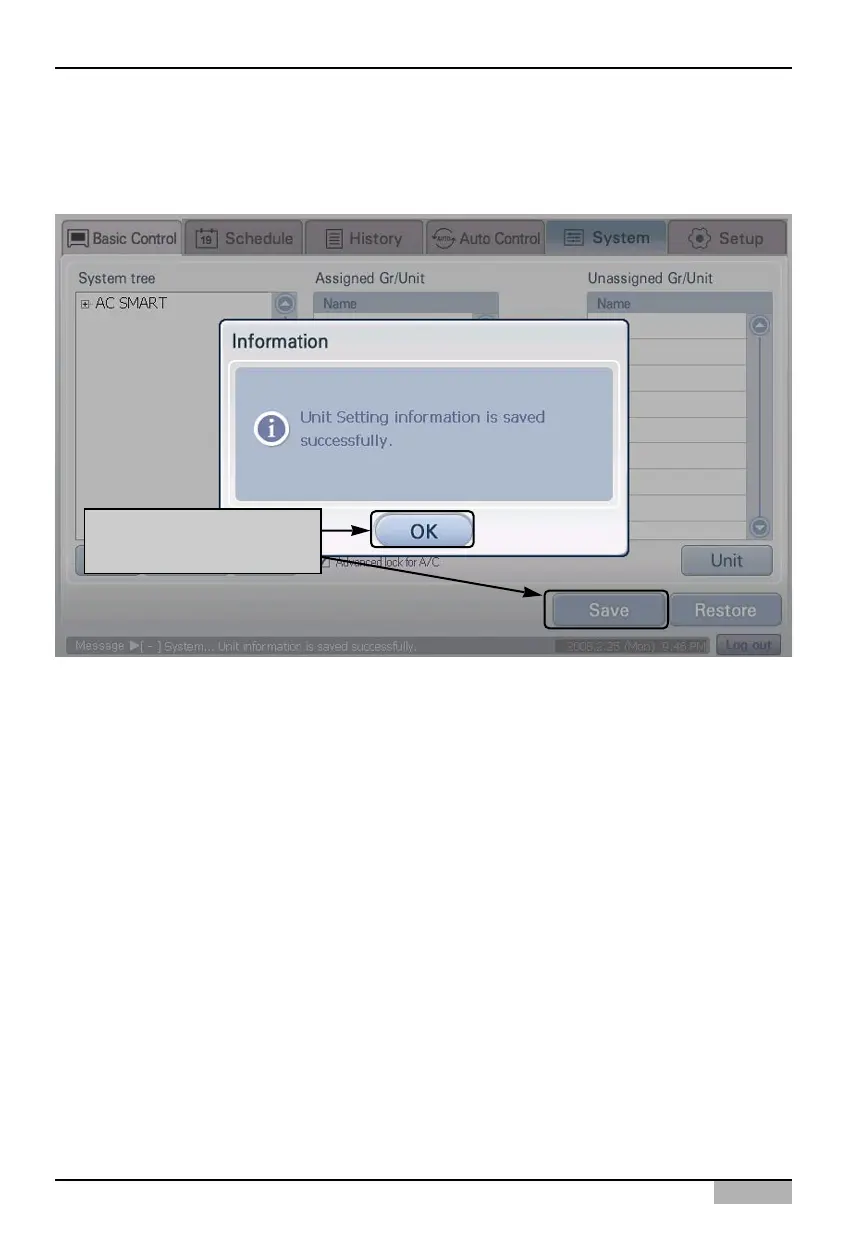
5. Finally, the temporarily saved unit setting should be registered to the system.
When [Save] button is pressed, ‘Confirm’ screen to check whether to apply the current setting to
the system is displayed. Press [Yes] button.
Click on [Save] button to
apply to system












 To Next Page