3. AC Smart Menu
AC Smart
3-8
Monitoring
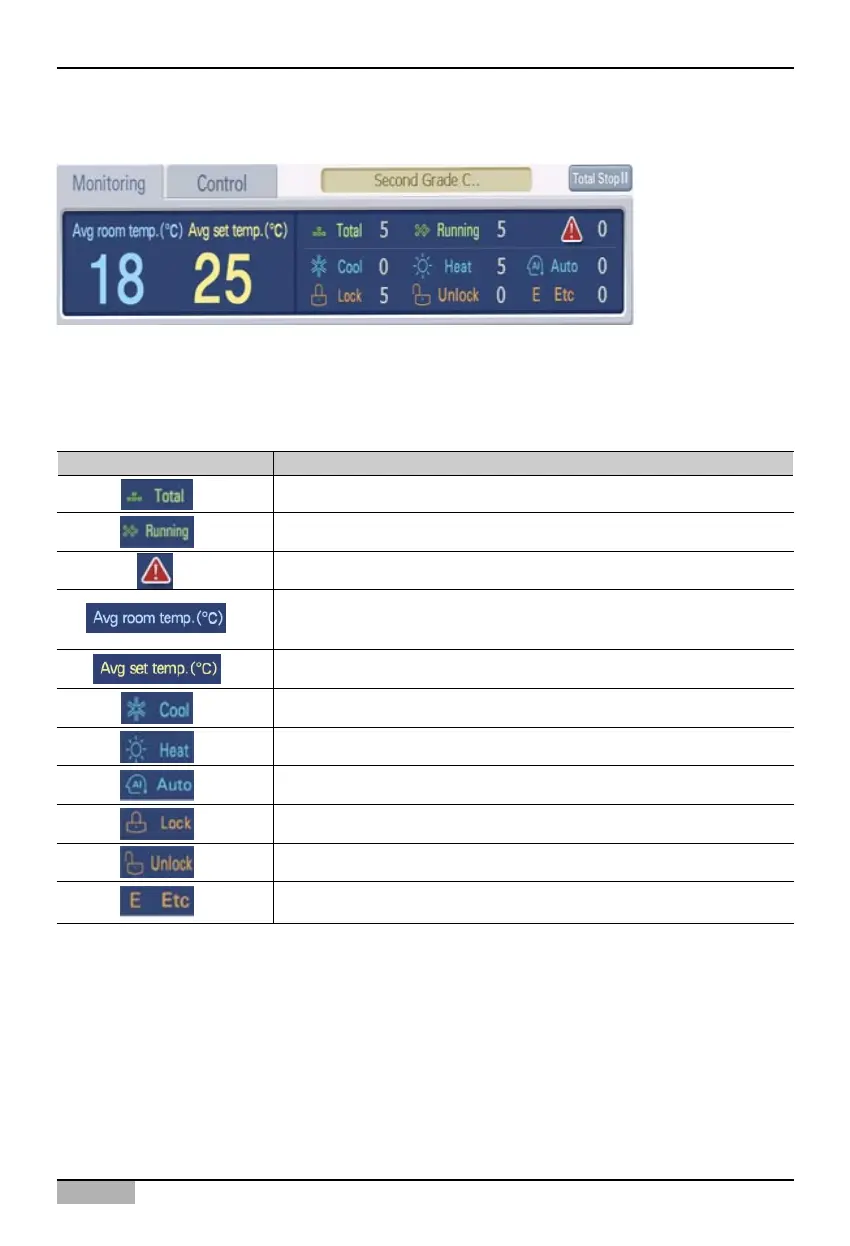
The bottom left corner of the group information displays the status information of the group. When
you select the group from the icon or list view, the unit information included in the applicable group
will be displayed.
For the status information, the following information is displayed.
Displayed item Description
Total number of units is displayed.
The number of units in operation is displayed.
The number of units in error status is displayed.
The average indoor temperature where the unit is installed is
displayed.
The average set temperature where the unit is installed is displayed.
The number of units operating in cool mode is displayed.
The number of units operating in heat mode is displayed.
The number of units in auto mode is displayed.
The number of units in locked status is displayed.
The number of units in unlock status is displayed.
The number of units in other status is displayed.












 To Next Page