Computer Connections and Networking
5
C-DiGit User Manual 5-2
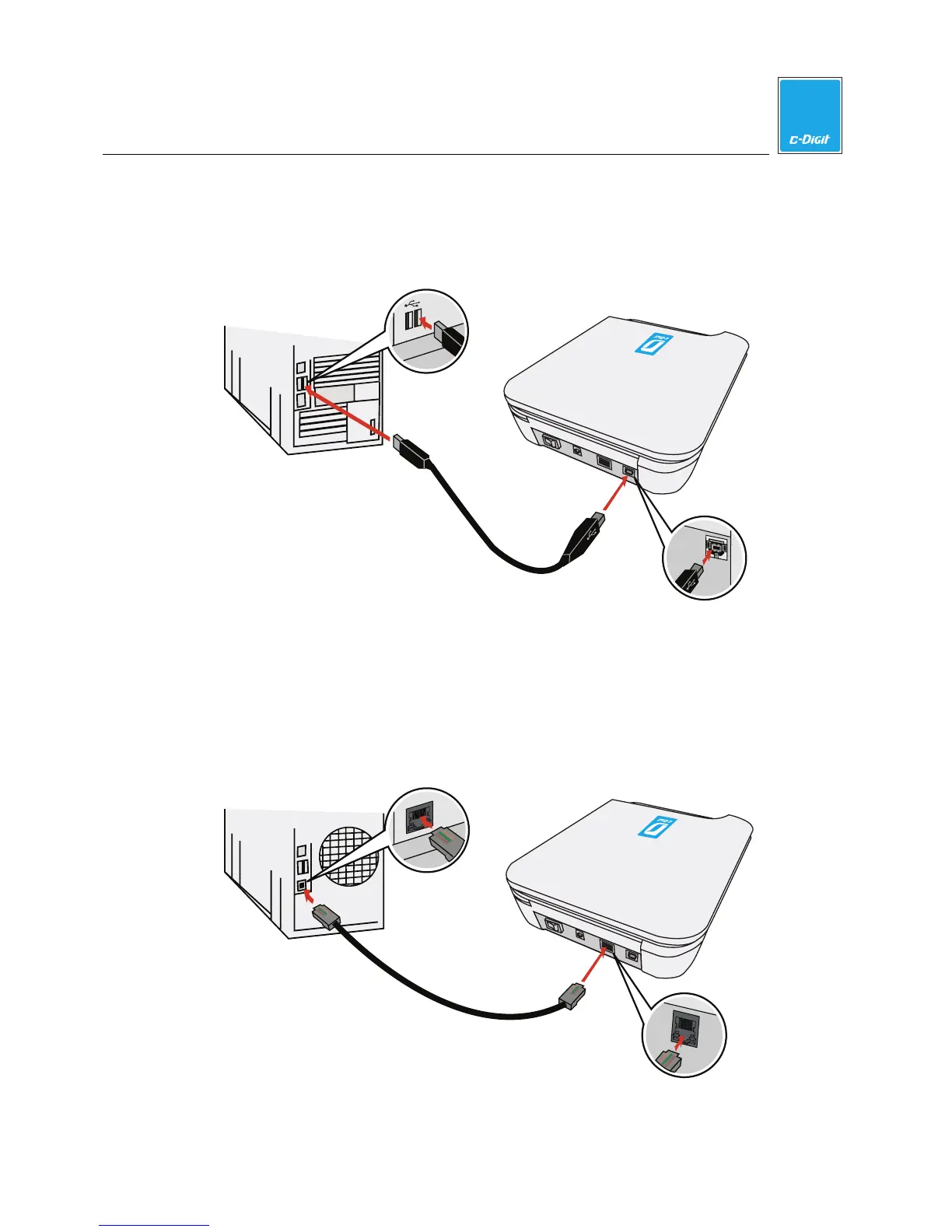
Direct Connection Via USB Cable
Use the supplied USB cable (p/n 392-13201) to connect your computer and
C-DiGit Blot Scanner, as shown below.
C-DiGit Blot Scanner
Computer
USB Connection
C-DiGit
USB Connection
USB
Direct Connection Via Ethernet Cable
Use the supplied Ethernet cable (p/n 616-06116) to connect your computer and
C-DiGit Blot Scanner, as shown below.
C-DiGit Blot Scanner
Computer
Ethernet Connection
C-DiGit
Ethernet Connection
LAN
LAN
Amphenol



 To Next Page