Introduction
1
C-DiGit User Manual 1-4
Fuse Replacement
There are no user replaceable fuses in this instrument.
External Panels and Controls
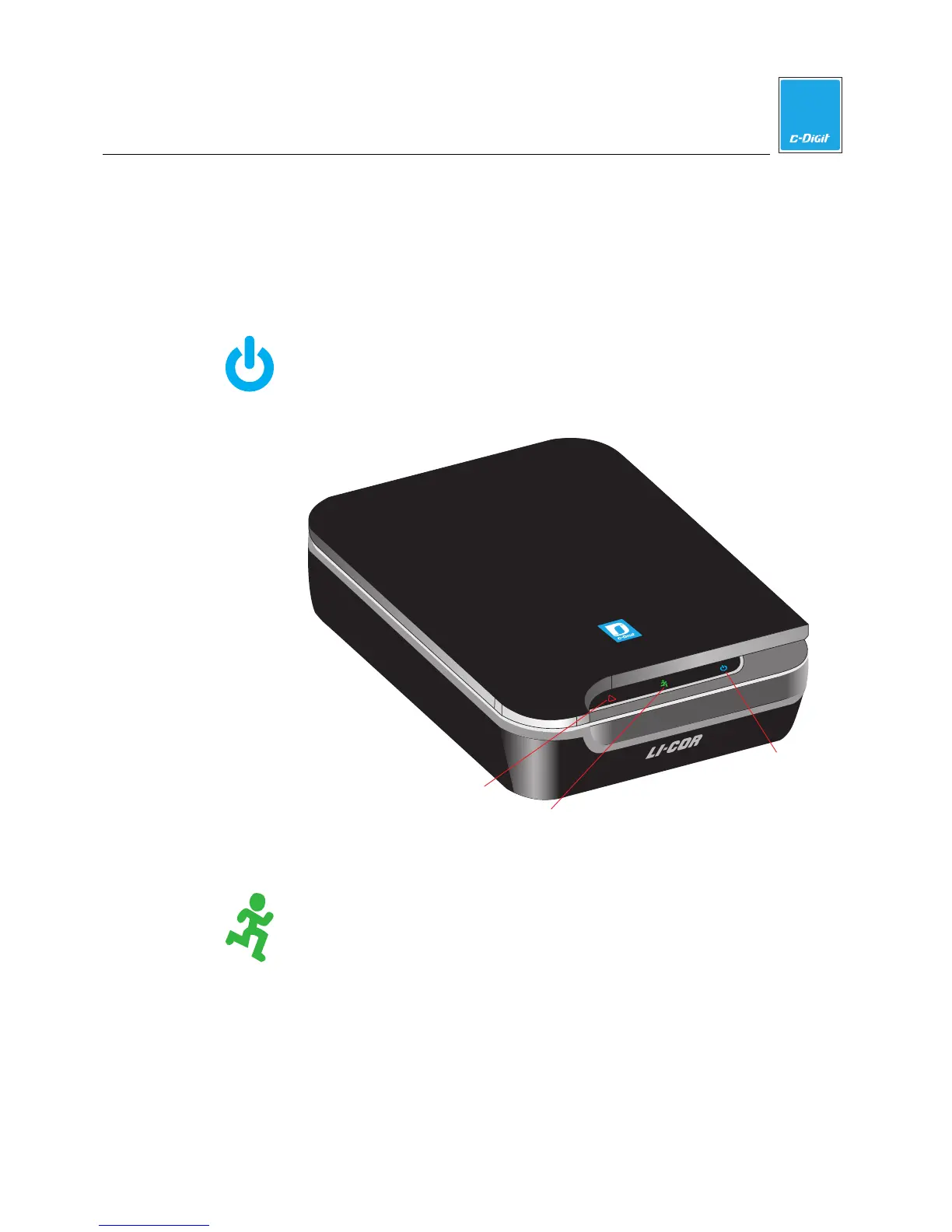
Front Panel
Power Indicator: While the C-DiGit Blot Scanner is performing its
startup or shutdown procedure, the blue power indicator light on the
instrument front panel blinks. When the blue indicator light is
continuously on, the instrument is ready for operation.
!
Red error condition indicator
Power indicator
Green image acquisition indicator
Figure 1-3. Front panel features and controls of the C-DiGit Blot
Scanner.
Image Acquisition Indicator: This green indicator light blinks during
image acquisition and is continuously on at other times, as long as
communication with the Image Studio software is maintained. The
indicator light is off only when communication is lost, the Image
Studio software is closed, or the instrument is powered off.



 To Next Page