Image Studio Software
4
C-DiGit User Manual 4-12
each file is created it will use that name, thus overwriting the previously saved
file.
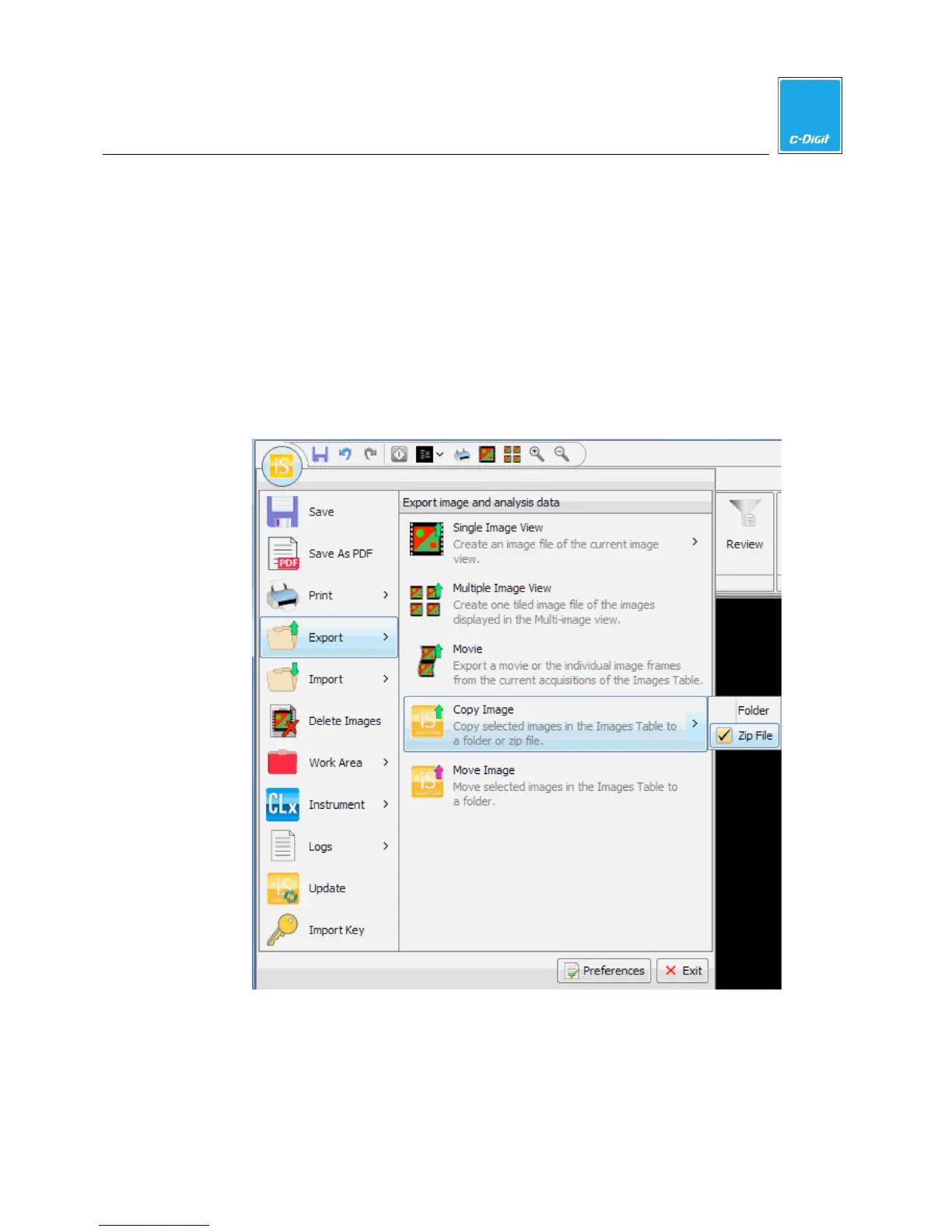
Copy Image
Copy Image
copies the selected images and acquisitions from the Images Table to
a folder or a zip file. When you copy the images, they are not removed from
the
Images
Table.
1. Select the images to Copy.
2. Open the
Application menu. Hover over Export.
3. Expand the
Copy Image menu and choose Folder or Zip File. If you
choose
Zip File the
Zip File dialog (below) is displayed.



 To Next Page