Image Studio Software
4
C-DiGit User Manual 4-62
Print Images and Create Reports
Print an Image
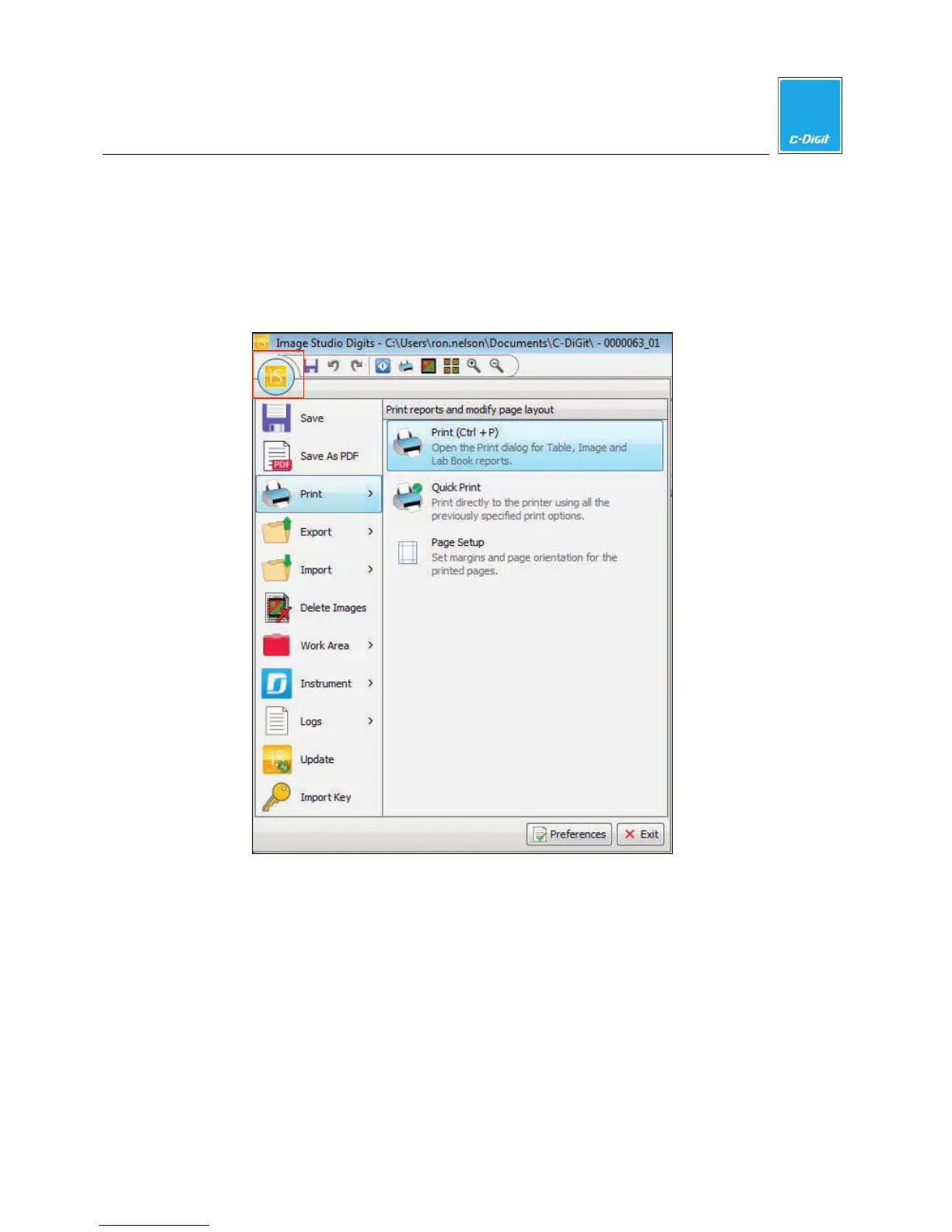
1. To open the Print dialog, click the printer icon in the quick access tool bar,
press Ctrl+P on the keyboard, or click the Image Studio Application Button,
hover over Print, and click Print.
2. Choose your printer setup parameters and click Print to print the currently
displayed image.



 To Next Page