C-DiGit User Manual 1-1
1
Introduction
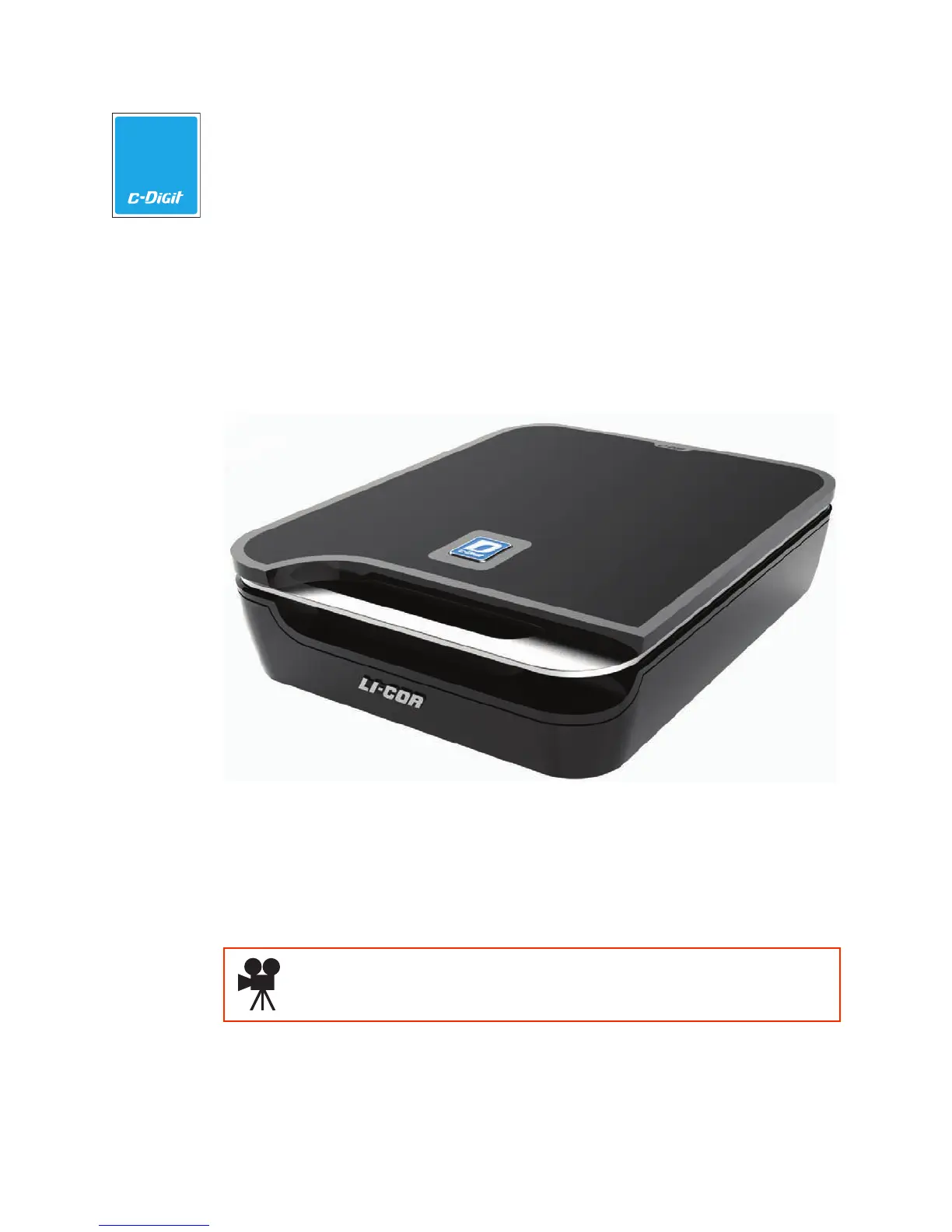
About C-DiGit Blot Scanner
The C-DiGit Blot Scanner is designed to image membranes for chemiluminescent
Western blot analysis using digital methods, eliminating the need for traditional
exposure to film. Before image acquisition is started, a membrane is placed on the
scanning surface and the lid is closed. Image acquisition is started via Image Studio
Software (Section 4).
The C-DiGit has one detection channel that detects visible wavelength emissions
from chemiluminescent substrates.
The C-DiGit Blot Scanner is a networkable device, and can be connected directly
to a computer (Macintosh
®
or PC) via Ethernet or USB cables, or can be connected
through wired networks.
Click here to watch an introductory video about the C-DiGit Blot
Scanner.



 To Next Page