Image Studio Software
4
C-DiGit User Manual 4-21
Work Area
Switch
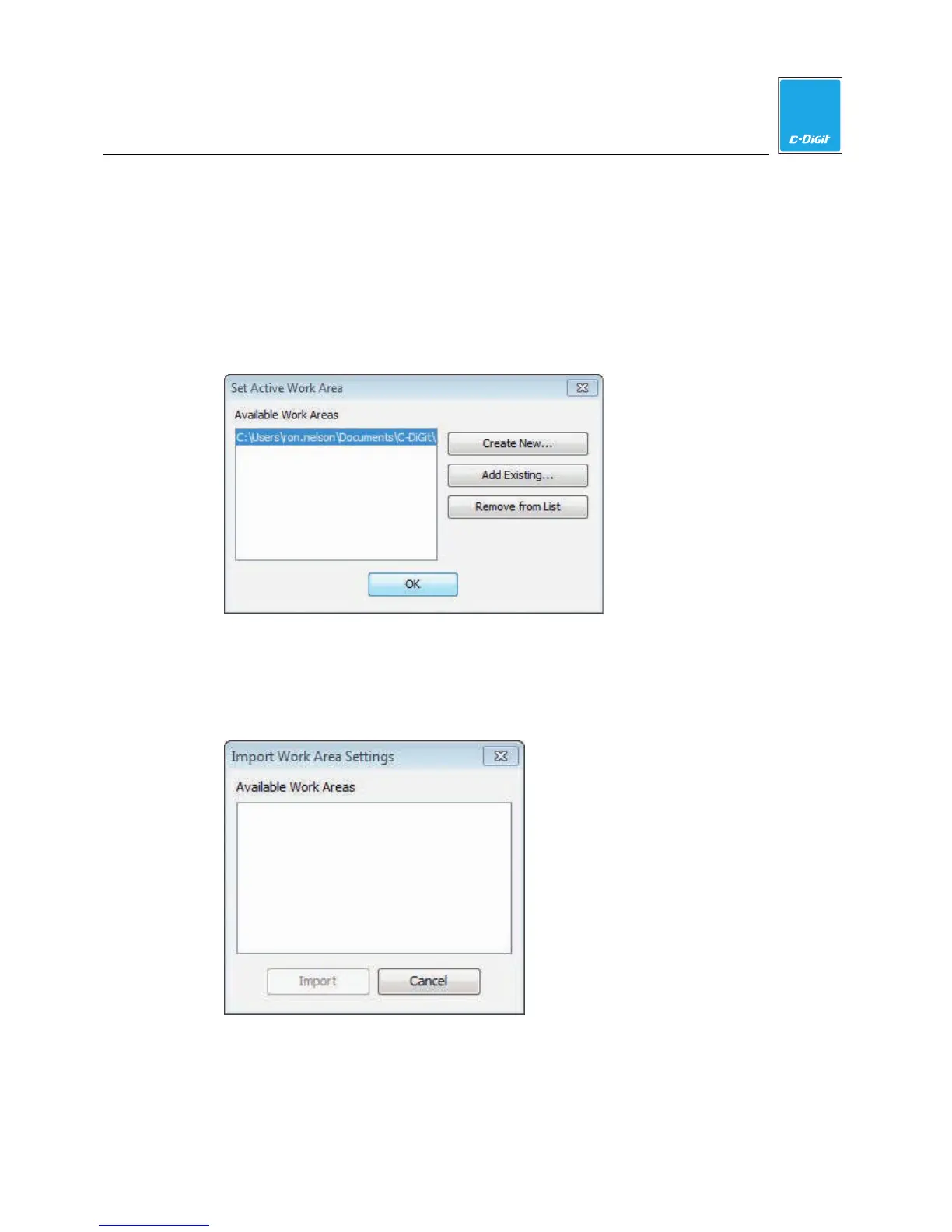
Click to close the current Work Area and open the Set Active Work Area dialog
(below). Choose an available Work Area and click OK. The current Work Area
closes and the new Work Area opens. Close the dialog without clicking OK to
continue using the current Work Area.
Import Settings
Imports all Work Area settings from a chosen Work Area. Opens the Import Work
Area Settings dialog (below), where you can choose an available Work Area from
which to import the settings.



 To Next Page