Image Studio Software
4
C-DiGit User Manual 4-38
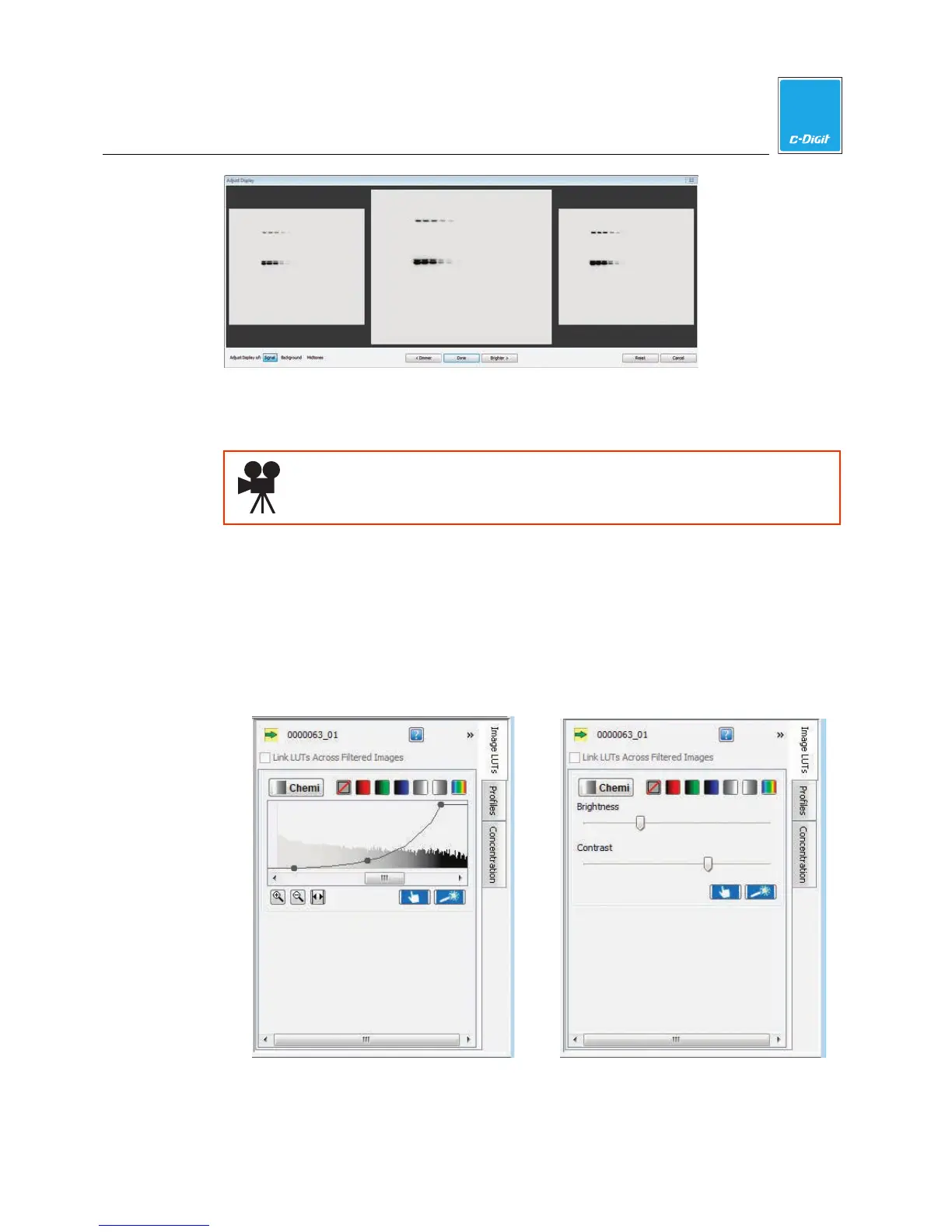
Click Dimmer or Brighter to change the visual appearance of the image. When
finished, click Done.
Click here to watch a video that demonstrates how to choose and adjust
the appearance of the image.
Adjust the Image Appearance
The Look Up Tables (LUTs) display histograms of the pixel intensities for the
acquired image. The LUTs are on the right side of the screen.
1. Click the Image LUTs tab to view the Image Look Up Tables as either
histograms overlaid with a curve (below left), or as slider bars (below right). To
hide this view, click the double arrows in the top right corner.



 To Next Page