Image Studio Software
4
C-DiGit User Manual 4-37
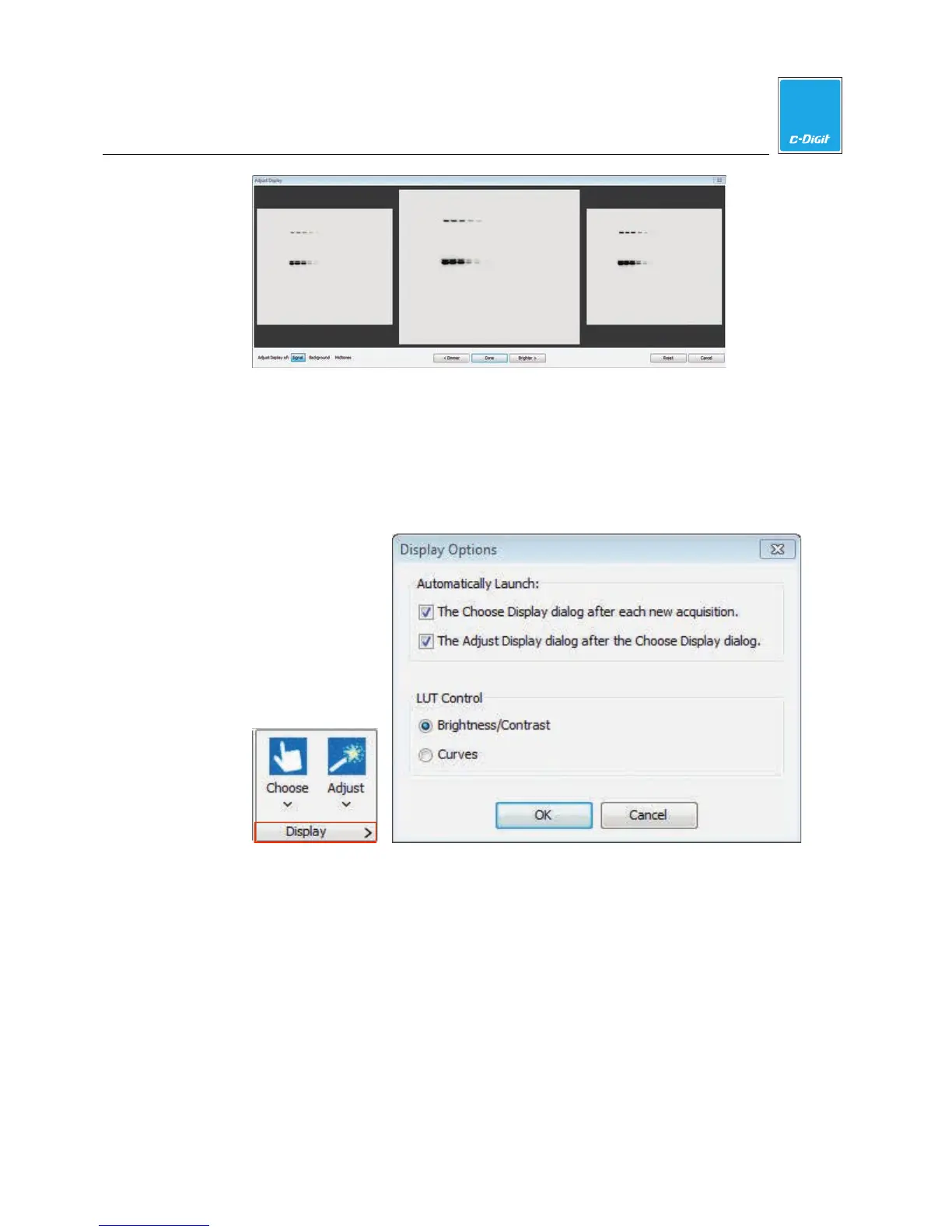
You can choose to not open the Adjust Display dialog automatically by
disabling the ‘Automatically launch the Adjust Display dialog’ checkbox at the
bottom of the Choose Display window. You can also click the arrow (>) on the
Display group on the Image ribbon (below) to open the Display Options dialog
and disable the automatic launch of either the Choose Display or Adjust
Display dialog(s).
Click Adjust in the Display group and select the Chemi channel to open the Adjust
Display Assistant (below).
Select Signal at the bottom left to adjust the maximum point on the curve in the
Look Up Tables (below), Background to adjust the minimum point, or Midtones to
adjust the K value.



 To Next Page