Image Studio Software
4
C-DiGit User Manual 4-16
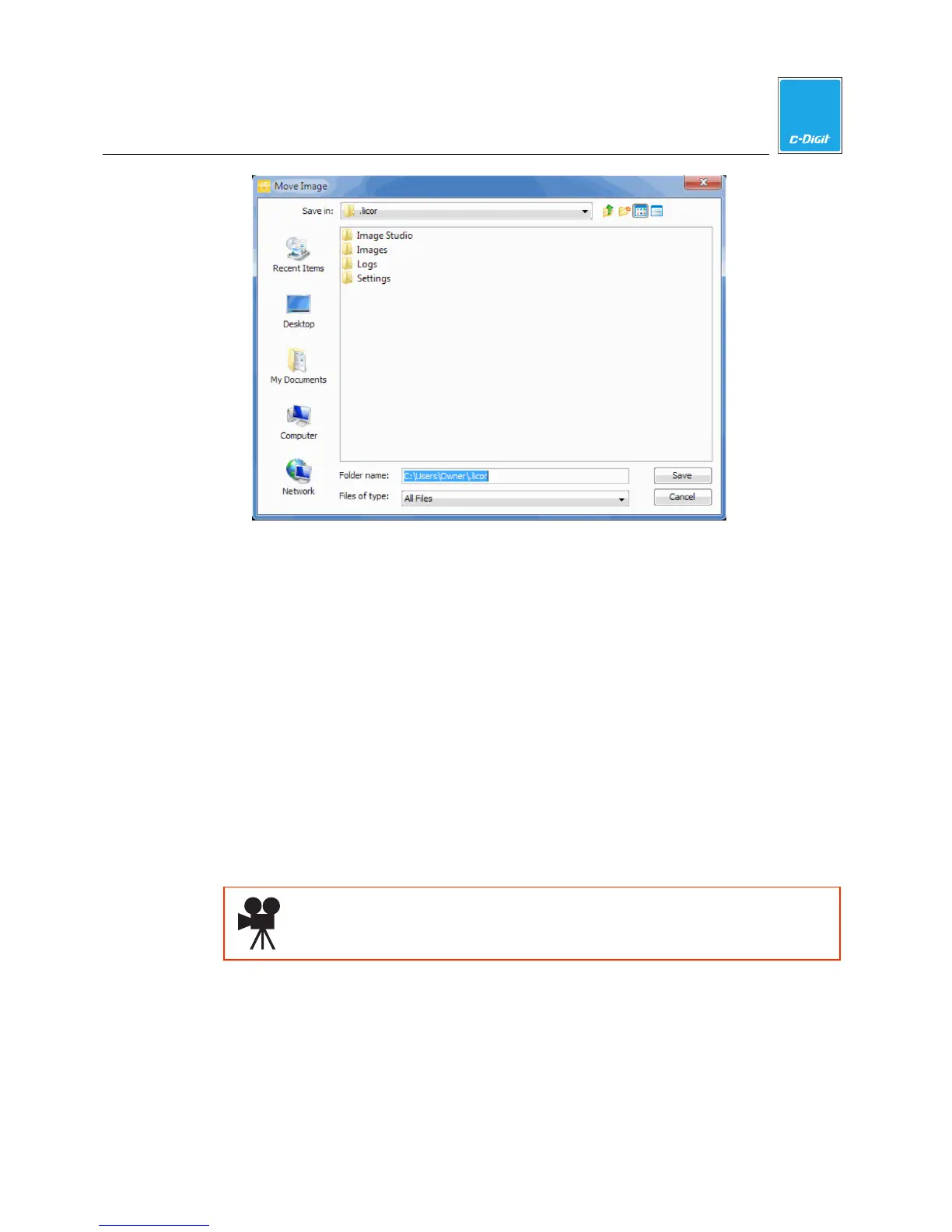
5. Accept the default folder or navigate to a folder to save the archived
acquisitions.
6. Click
Save
when finished. The images and acquisitions are moved to the
location you specified. They are removed from the Images Table and deleted
from this Work Area.
Import
The Import menu has choices for importing images and acquisitions (images plus
analysis data) from the C-DiGit Blot Scanner application as well as from Odyssey
®
or Pearl
®
images.
You can import acquisitions (images plus analysis data) created by Image Studio,
Odyssey
®
or Pearl
®
software, or import other TIFF files for analysis.
Click here to watch a video that demonstrates how to import images.
1. Open the Appl ication menu and choose Import to display the choices.



 To Next Page