Image Studio Software
4
C-DiGit User Manual 4-26
The Quantification Format specifies whether to use Scientific or Numeric
notation for floating point values. Note: Excel reports numeric formats using its
default format for floating point fields. These fields my be displayed as both
standard and scientific formats unless the formatting is overridden in Excel.
Use the counter to specify the number of significant digits to display.
The Export Image Size Units sets the size units to Inches or Centimeters.
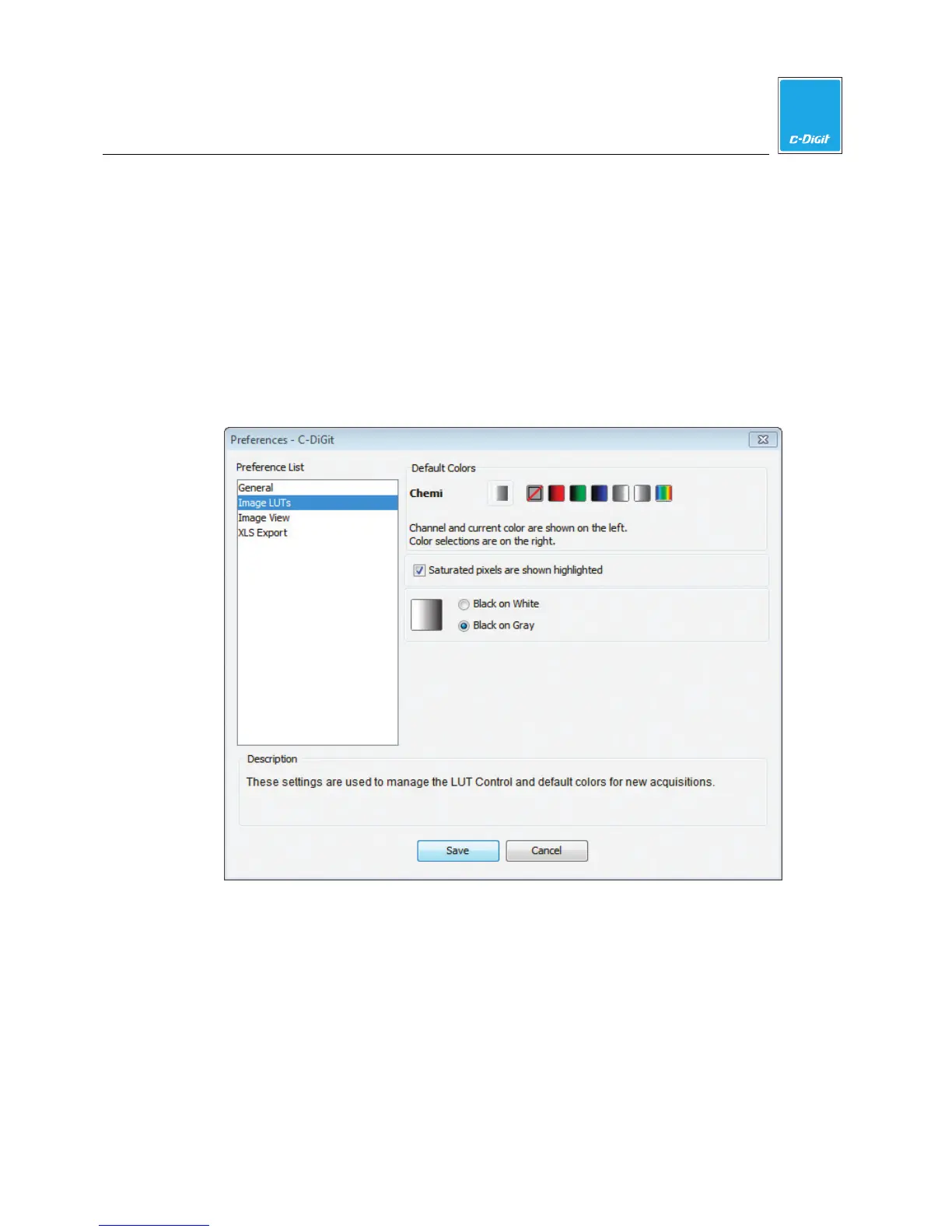
Image LUTs
Click Image LUTs to specify the default image display colors for new acquisitions.
Image View
Contains a check box that allows you to enable or disable the use of the mouse
scroll wheel to zoom in or out on the image view. When the cursor is placed over
the image in the main Image Studio window, enabling the check box allows you to
enlarge or reduce the image using the mouse scroll wheel.



 To Next Page