Image Studio Software
4
C-DiGit User Manual 4-24
Export
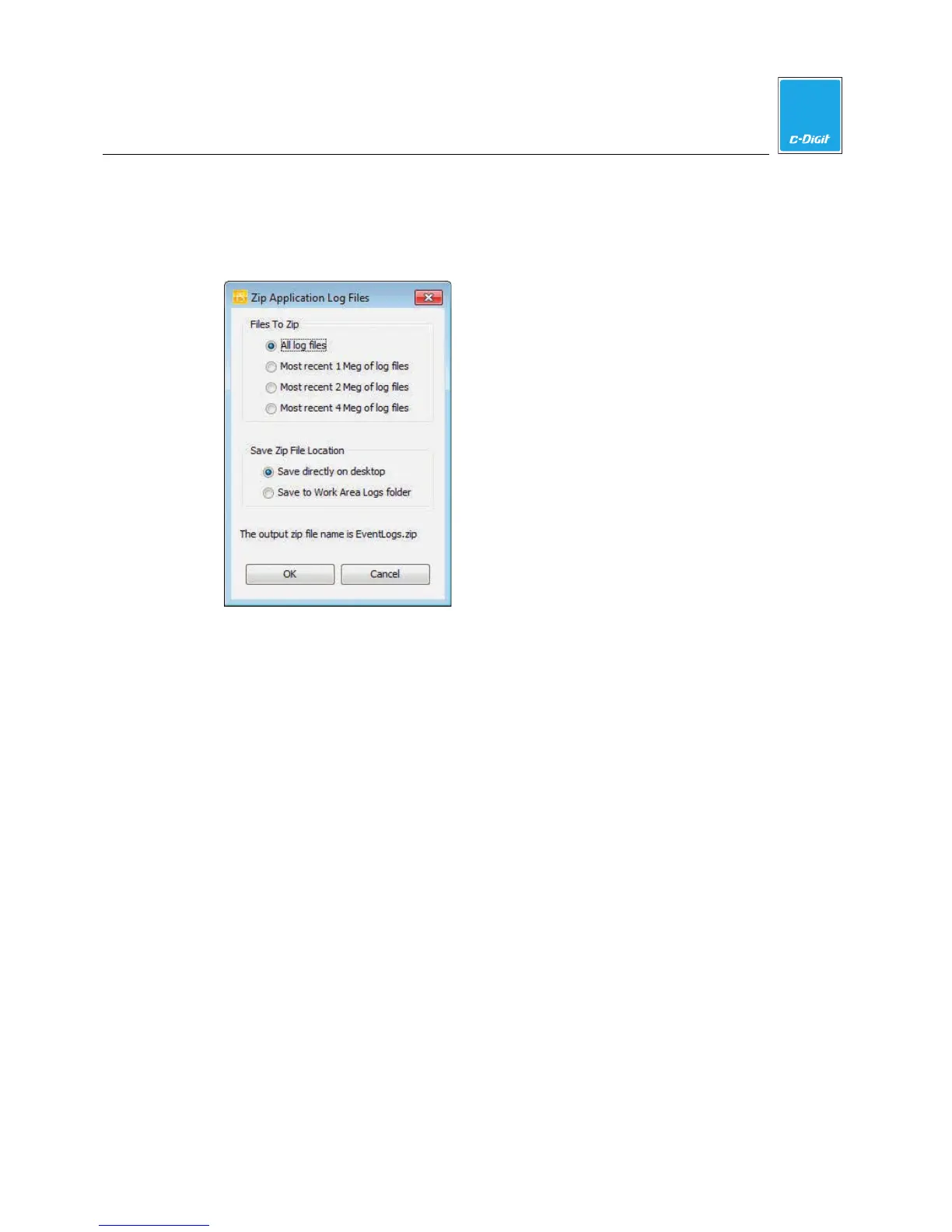
Opens the Zip Application Log Files dialog (below), where you can select the log
files to be compressed (zipped), and the location to which to save the zip file. The
zip file is automatically named EventLogs.zip.
Update
Click to open the LI-COR Biosciences Image Studio Software support page with
links to the latest updates for Image Studio software.
Import Key
Adding additional keys is not supported in Image Studio for C-DiGit.
Preferences
The Preferences dialog has four page views: General, Image LUTs, Image View,
and XLS Export. Click the labels under ‘Preference List’ to change the page view.



 To Next Page