Image Studio Software
4
C-DiGit User Manual 4-35
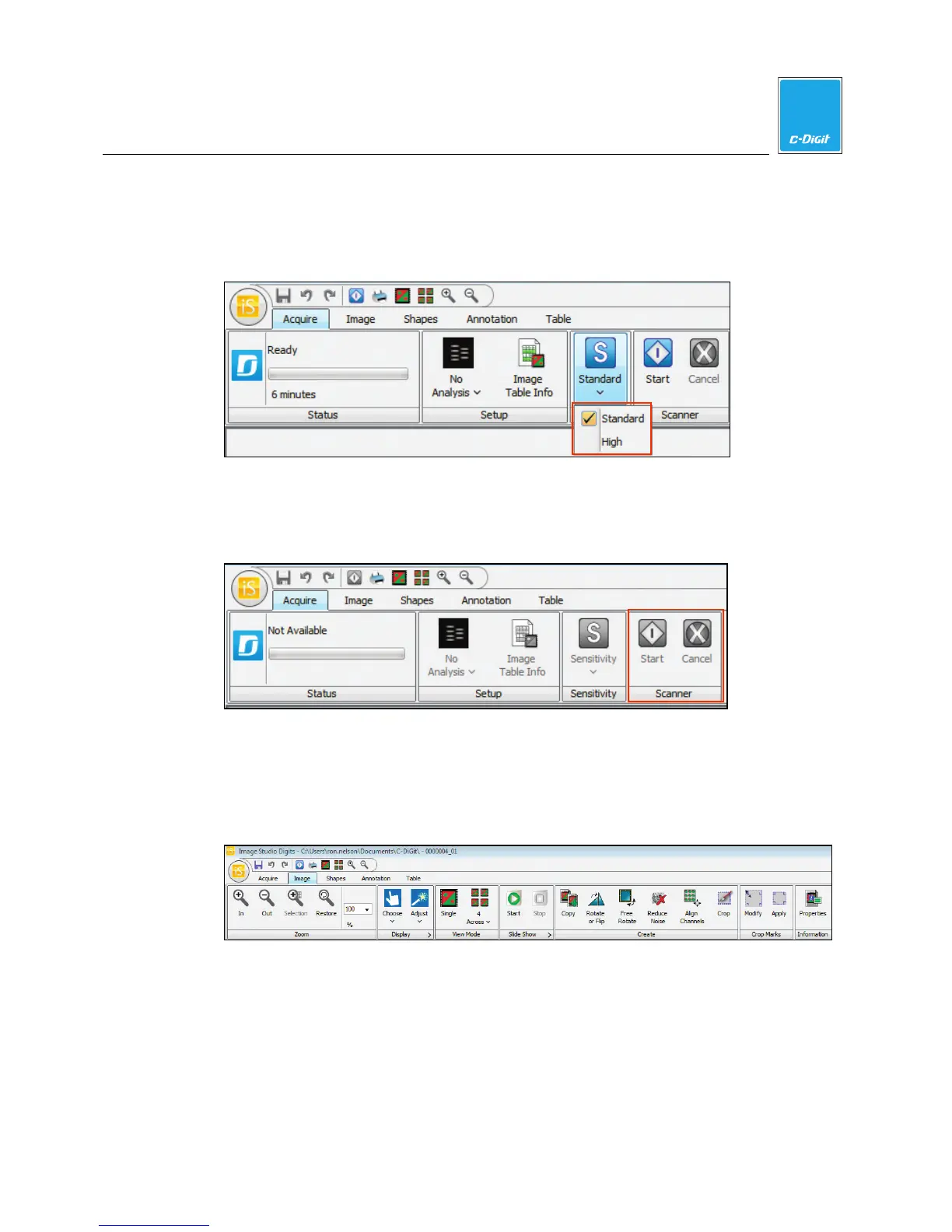
Sensitivity
Sets the Sensitivity for the image acquisition, where an image acquired using
Standard sensitivity requires about 6 minutes, and an image acquired using High
sensitivity requires about 12 minutes.
Scanner
Click Start to begin the image acquisition. Click Cancel at any time to stop the
image acquisition and discard the image.
Image Ribbon
View the Image
Click the Image tab to display the Image ribbon options.
Zoom - Click the magnifier icons to enlarge or reduce the displayed image, or
choose the enlargement factor from the pull-down menu. You can also use the
mouse wheel or use the scroll function of a keypad to zoom in or out. Click
Restore to automatically fit the image to the window.



 To Next Page