Image Studio Software
4
C-DiGit User Manual 4-36
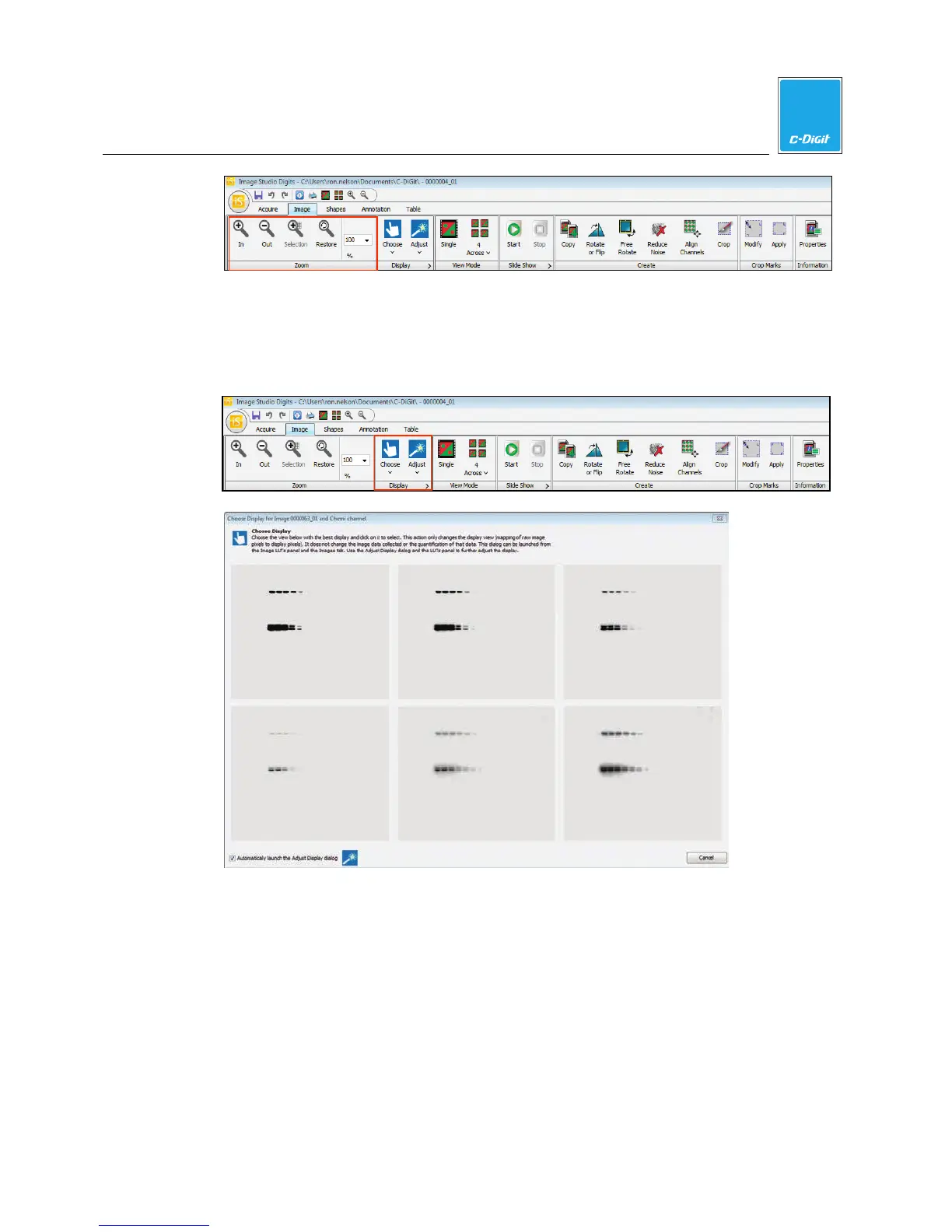
Display - The Choose and Adjust options (below) are alternate ways to adjust the
Look Up Tables (LUTs). Click Choose in the Display group and select the Chemi
Channel to open the Choose Display window, where six versions of the acquired
image are displayed, each using a different display algorithm.
1. Click the view with the best display. The Adjust Display dialog (below) will
open for further adjustment.



 To Next Page