Image Studio Software
4
C-DiGit User Manual 4-14
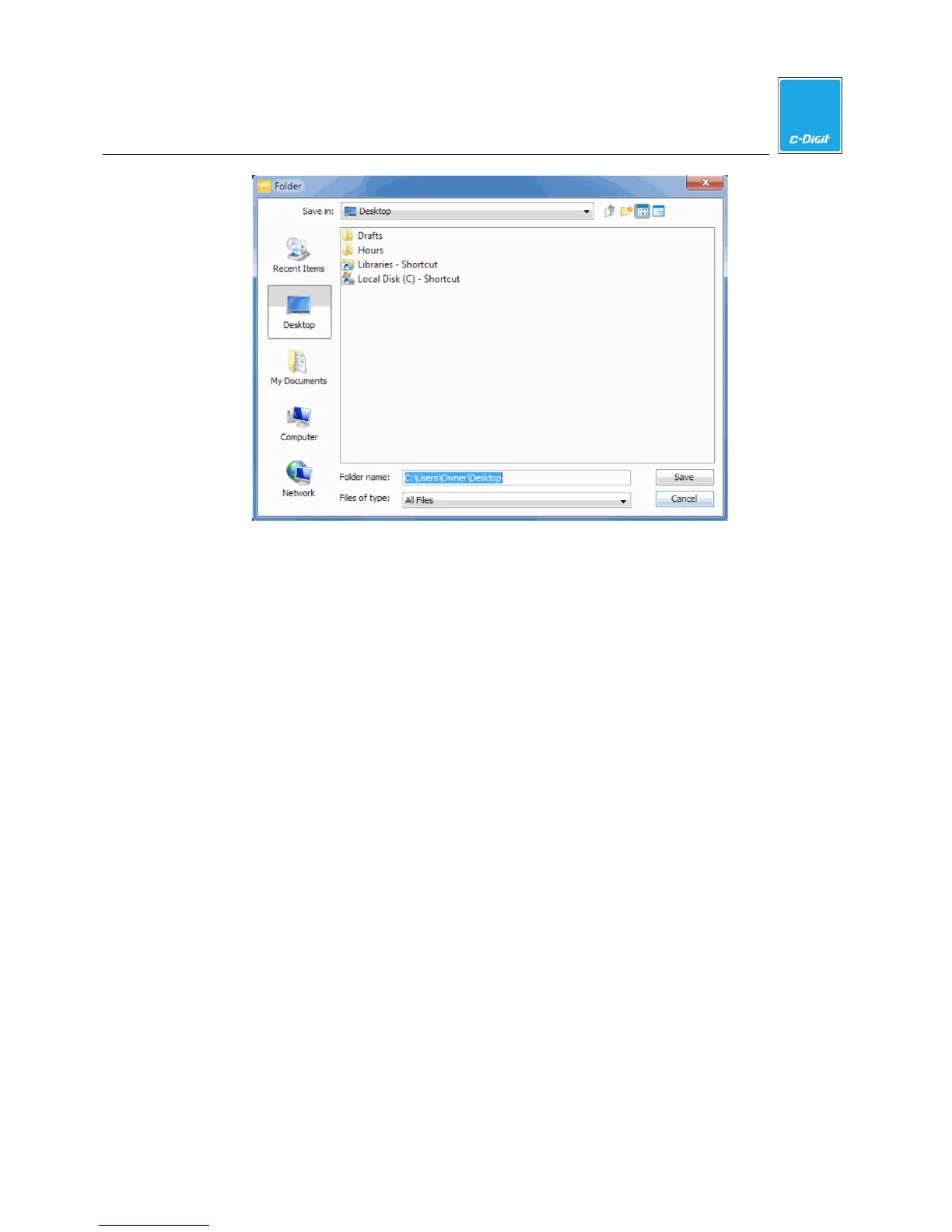
6. Accept the default folder, create a new folder, or navigate to a folder where you
want to save the copied acquisitions. This folder can be a different Work Area
that was previously created.
7. Click
Save
when finished. The images and acquisitions are copied to a folder in
the location specified.
Move Image
Move Image
moves the selected images and acquisitions from the Images Table to
a folder for archiving. (This folder can be a different Work Area.) When you move
the images, they are permanently removed from the
Images Table in this Work
Area.
1. Select the images that you want to move.
2. Open the
Application menu. Hover over Export.



 To Next Page