Image Studio Software
4
C-DiGit User Manual 4-2
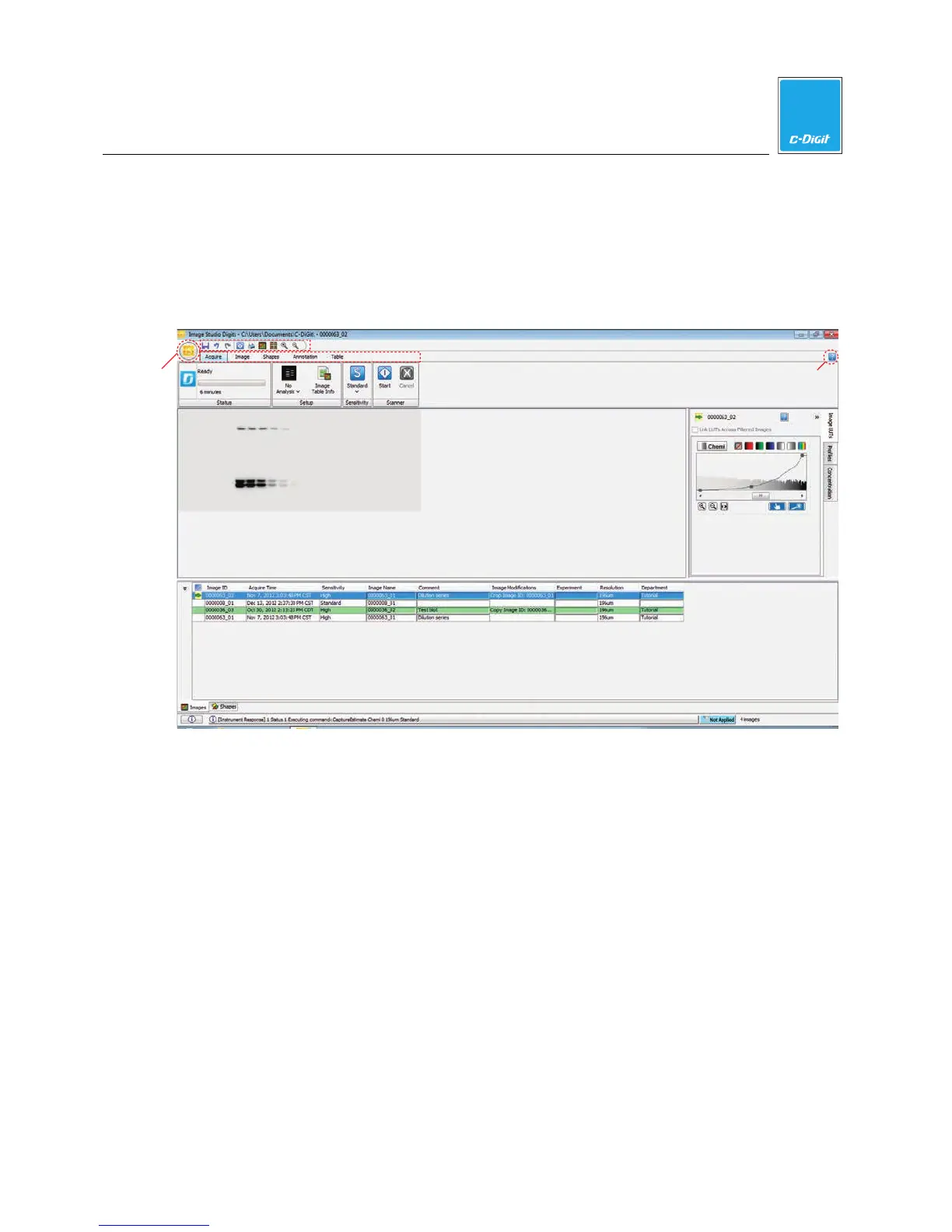
The Image Studio Main Window
The Image Studio main window has a number of different areas that contain the
image, image data, status, quick launch buttons, ribbon tabs, Application menu,
Images and Shapes tables, and a button to launch the Help application, as shown
below.
Quick Launch Buttons
Image Area
Images/Shapes Tables
Status Bar
Ribbon Tabs
Image Data
Help
Application
Menu



 To Next Page