Image Studio Software
4
C-DiGit User Manual 4-4
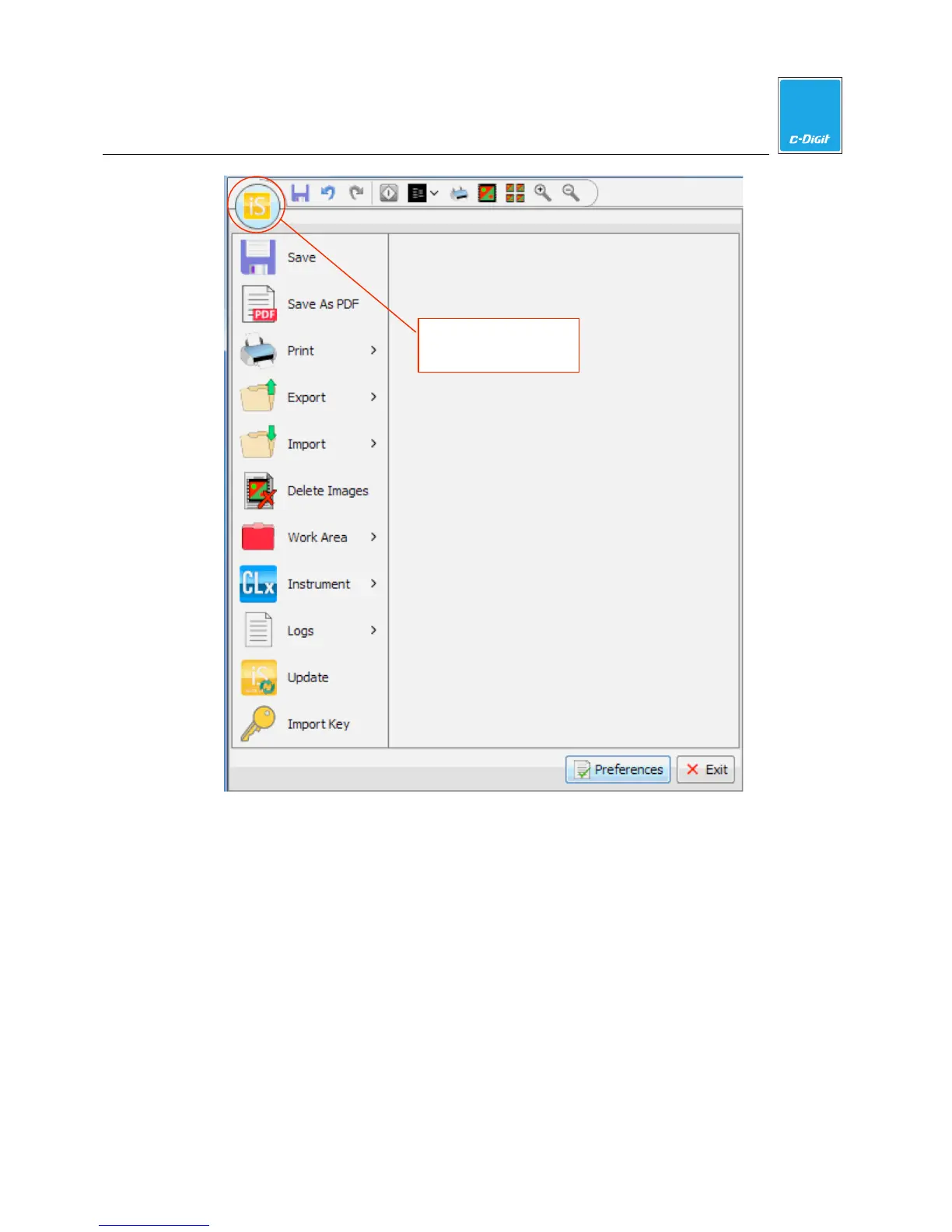
The footer area of the Application window contains two buttons: Preferences and
Exit. Preferences are described later in this section. Click Exit to exit the Image
Studio application.
Save
Click Save to save all new or edited analyses currently open within the application.
Save as PDF
Click Save as PDF to open the Save as PDF dialog (below), where you can select
the Table, Lab Book, or Images to save in PDF format. See ‘Print Images and
Create Reports’ later in this section for more information.
Image Studio
A
lication menu



 To Next Page