Image Studio Software
4
C-DiGit User Manual 4-17
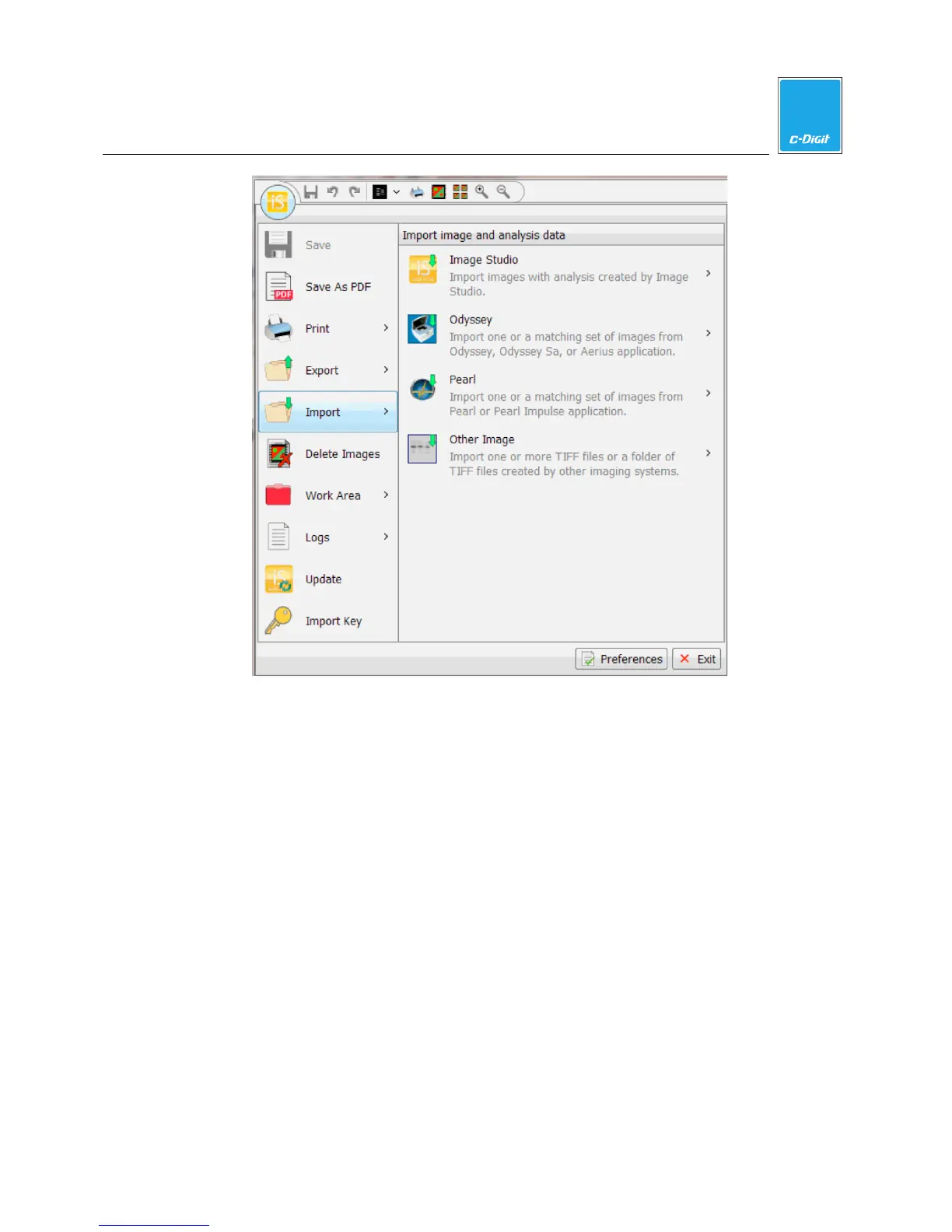
Image Studio
Image Studio copies an image folder or ZIP file created in Image Studio to the
current default images folder. The entire folder is copied, including images,
analysis files, and other text files. This is useful if you have previously transferred
data to a different location for archiving or you are transferring data from another
Work Area.
1. Choose Image Studio from the Import submenu. The Import Acquisitions
dialog (below) is displayed.



 To Next Page