Introduction
1
C-DiGit User Manual 1-6
!
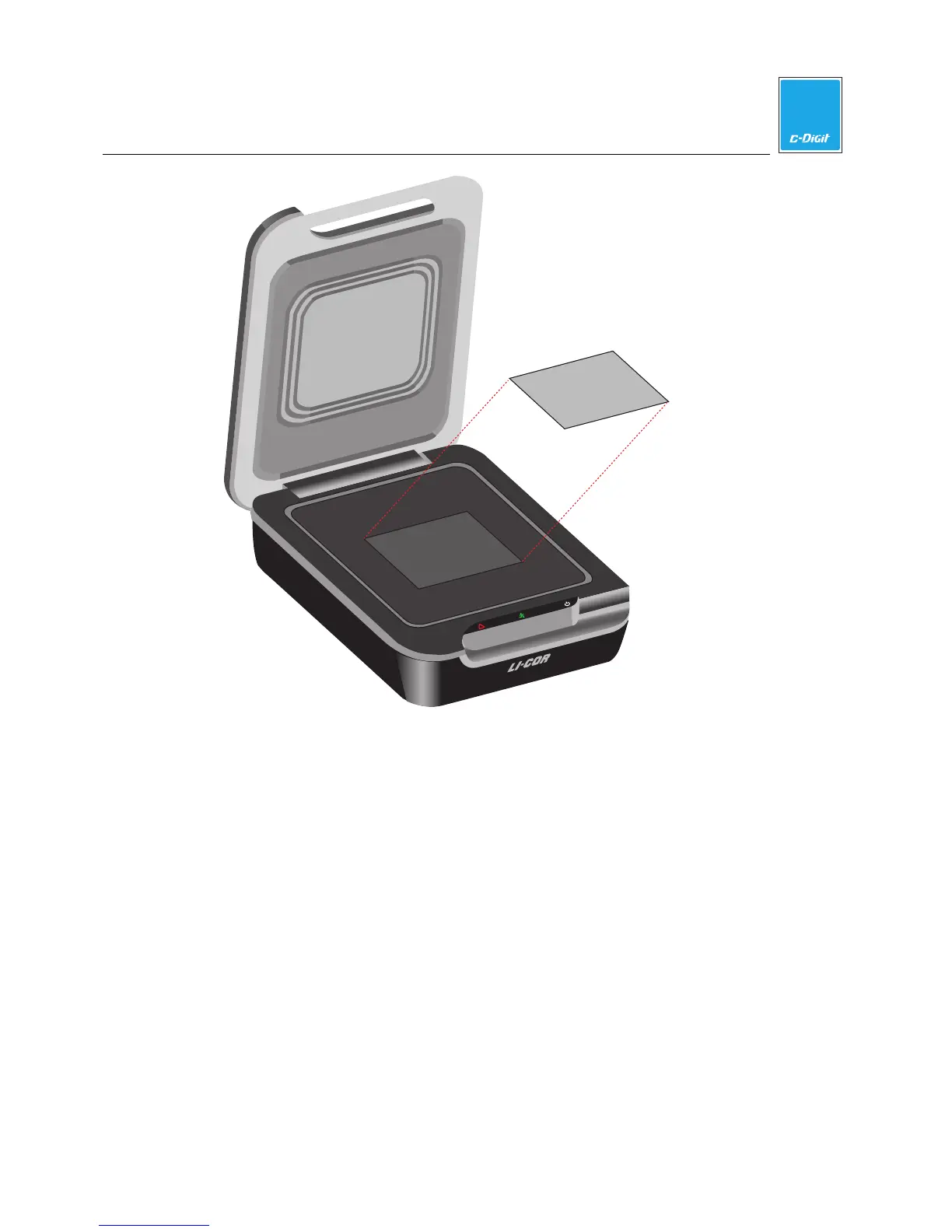
Place membrane here
10 cm
8.5 cm
Face down,
top of membrane
facing rear of
C-DiGit
Figure 1-4. The imaging surface is designed to scan a single membrane up to 10
cm x 8.5 cm.
Scanning Surface Safety
Be careful not to get your fingers caught between the C-DiGit instrument lid and
the base of the scanning surface when the lid is closed. Do not put excessive
pressure on the scanning surface. Clean the scanning surface with 100% methanol,
then water. CAUTION: DO NOT use acetone to clean the imaging surface.
Sample Placement
The C-DiGit Blot Scanner Imaging Surface has a clear window that delineates the
edges of the C-DiGit Blot Scanner scanning surface. Membranes up to 10 cm x 8.5
cm placed within these markers will be fully imaged. Membranes can be placed
anywhere within the imaging area to be scanned.
Membranes should be placed sample side down with the top toward the back of
the instrument.
Tips for handling and imaging membranes are given in Section 3.



 To Next Page