Introduction
1
C-DiGit User Manual 1-5
!
Error Indicator: The red error indicator light illuminates when a
process could not be completed. See the Status Message History dialog
(see Section 6, Maintenance and Troubleshooting) in the Image Studio
software for details about the error condition.
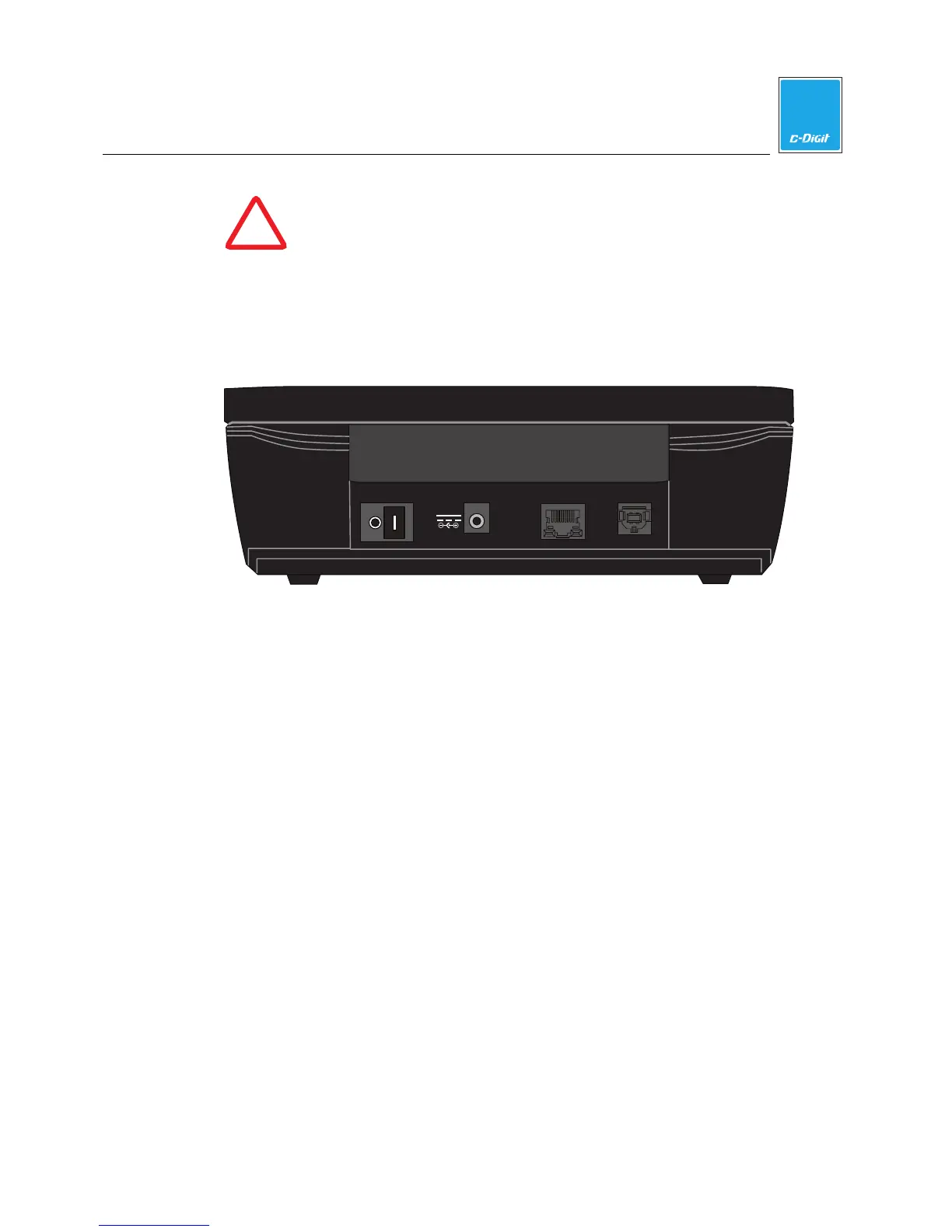
Back Panel
The C-DiGit back panel has the instrument ON/OFF switch and connectors for the
USB and Ethernet cables and the power supply.
LAN
USB
Amphenol
12VDC 1A
Scanning Surface
The scanning surface is accessed by opening the lid on the C-DiGit Blot Scanner
(Figure 1-4).



 To Next Page