Image Studio Software
4
C-DiGit User Manual 4-13
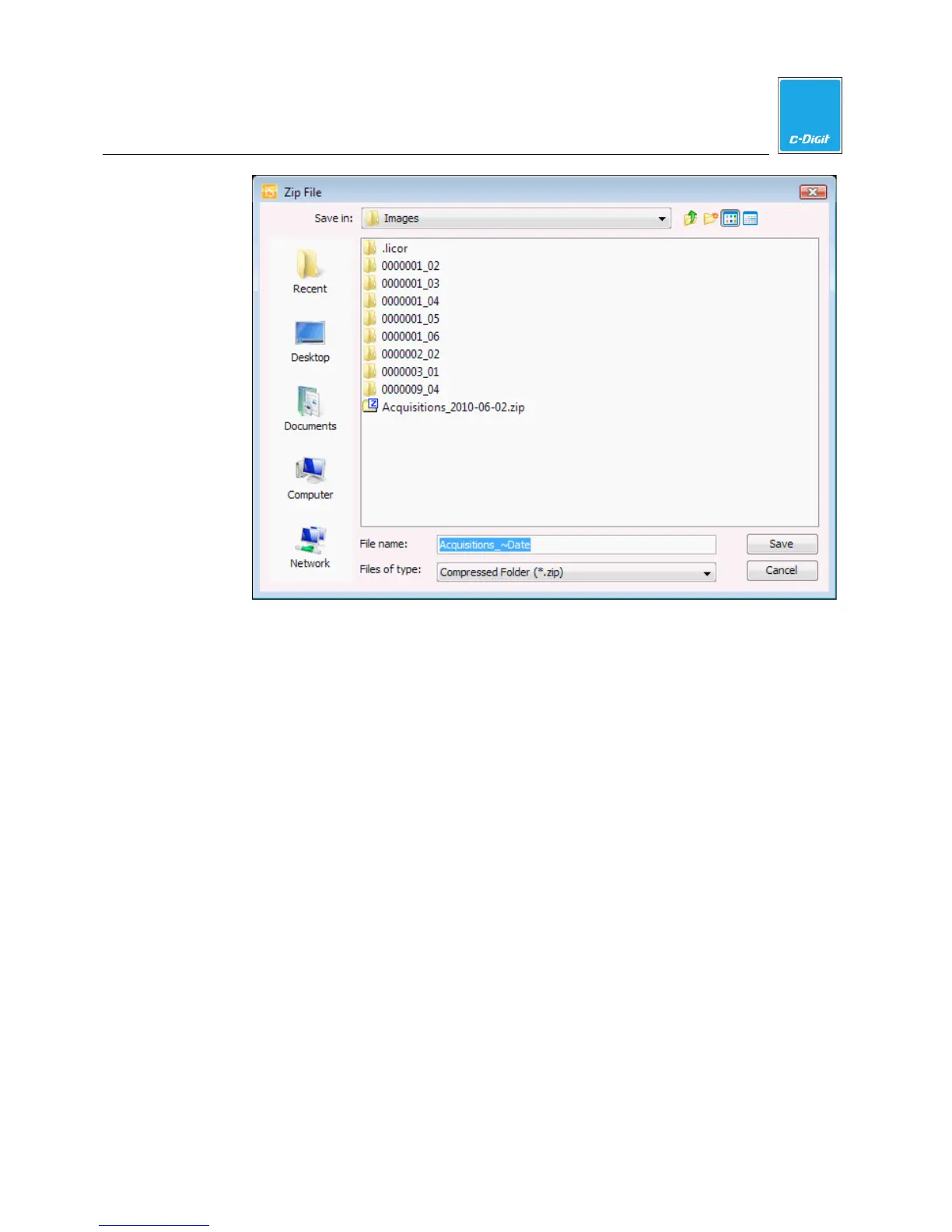
4. Accept the default folder and filename, create a new folder, or navigate to a
folder to save the copied acquisitions.
5. Click
Save
when finished. The images and acquisitions are copied to a zip file
in the location specified.
If you choose
Folder the Folder dialog (below) is displayed.



 To Next Page