Trackit Mk3 User Manual
35
• Operating t im e will be short er t han usual at low t em perat ures. The bat t ery can be used be-
tween 0 C and 40 C, but will give best perform ance bet ween 10 C and 30 C.
• I f the bat t ery st art s to give less operating times t han usual, it has reached t he end of its life
and m ust be replaced.
• The batt ery can be recharged at any tim e. However, since t he bat tery will naturally dis-
charge it self over a period of t im e, it is best to charge t he bat t ery a day or two before plan-
ning to use it .
• Always at tach the bat t ery t erm inal cover when not in use. Do not allow any m et al objects t o
touch the bat t ery term inals.
W ARNI N GS:
• Only u se t h e Ca non Type BP5 1 1 w it h t he Tra ckit Mk 3
• Ke e p the bat t e r y pack aw a y f r om fire
• Do not ex pose t he bat t e r y pa ck t o te m pe ra t u res gre a t e r t han 6 0 °C
• Do not disa sse m ble or m odify t he bat t e r y pack
• Do not dr op t he bat t e r y pa ck or allow it to becom e w e t
• Only u se t h e specific Can on b a t t e ry cha r ge r for use w it h t he BP5 1 1 t y pe bat t e r y
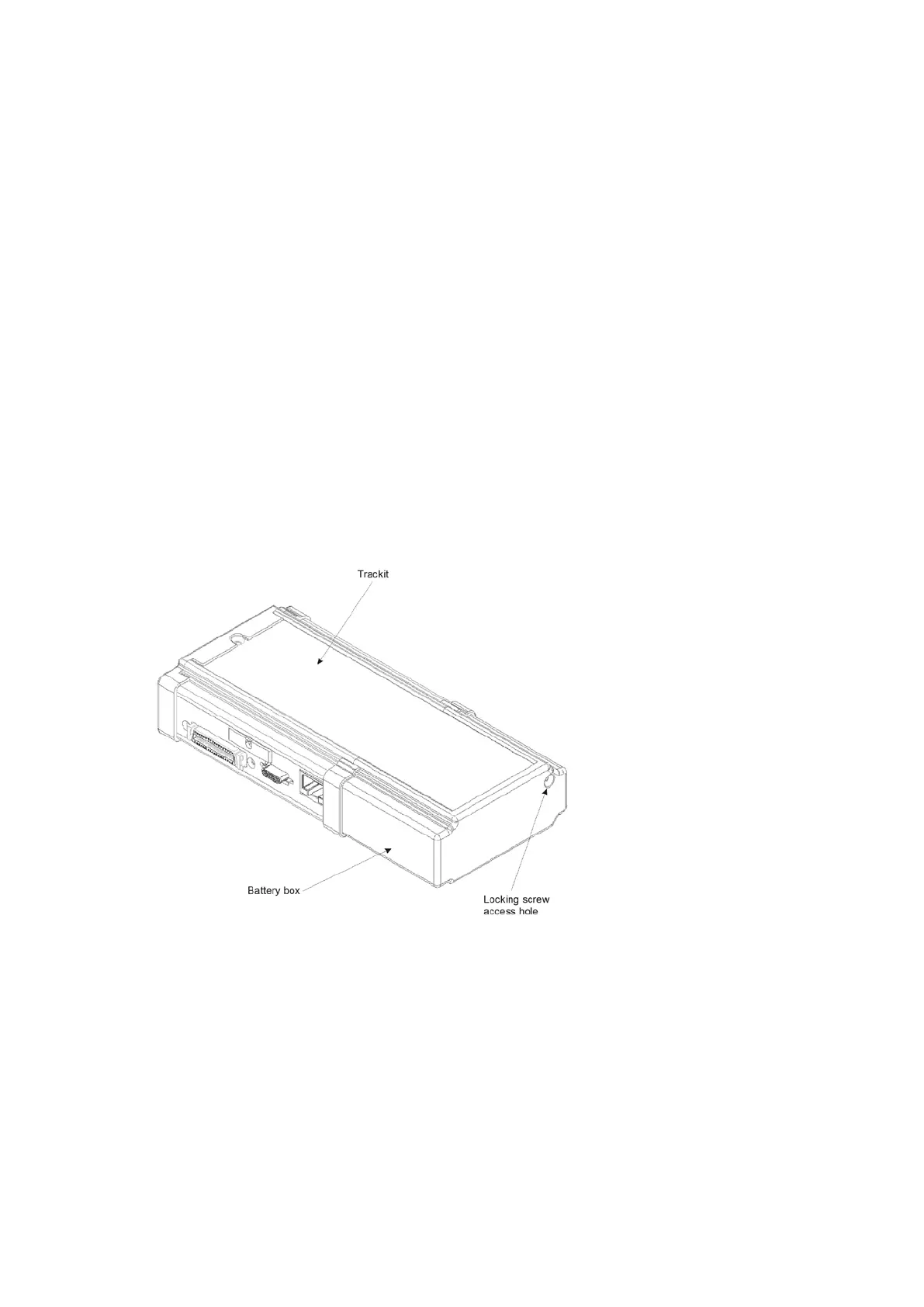
3 When t he bat t eries have been replaced, and if the flash card does not need replacing, refit the
rear Batt ery box/ door and screw it down with the special tool provided. The warning beeper will
st op.
CAUTI ON : do not ove r - t igh t e n t h e lock ing scr e w – finger tight is a ll t ha t is re quire d.
Figur e 2 6 Closin g the r e a r Ba t t e r y box/ door
Changing t he flash card
1 Open t he Trackit Mk3 rear Bat tery box/ door with t he special tool provided. See Figure 23. The
unit ’s warning beeper will sound for a few seconds and t he Door Open sym bol on the display will
flash.
2 Wat ch the yellow Light Em itt ing Diode ( LED) indicat ing CF Card activit y. When it is on, this
m eans t he Trackit Mk3 is writ ing dat a t o t he PC Car d.
CAUTI ON : do not re m ov e t he CF Car d w he n the LED is lit.



 To Next Page