Trackit Mk3 User Manual
77
• Allow configura t ion ove r Blu e t oot h ( t h is conn e ction) . This is a read only param et er and
sim ply indicates the fact t hat the current connect ion is allowing configuration over Bluetooth.
• Allow configura t ion ove r Blu e t oot h ( ge n e r a l) . I n contrast to the above, t his option allows
the Module to be perm anent ly enabled for configurat ion over Bluetooth (aft er t his session is
closed). This is norm ally only used for advanced and debugging purposes and t he option should
be unticked.
• Pow e r - save m ode. This option defines the power- save m ode for the Module. Currently t his is
fixed at an opt im um sett ing.
• Ma x . out pu t pow er. This opt ion defines the m axim um Radio Frequency (RF) output power
from the Module. Currently this is fixed at an optim um sett ing.
• Link Policy. This is an advanced opt ion and should not be changed.
Bluetooth Setup | Tab 6 (Pairing)
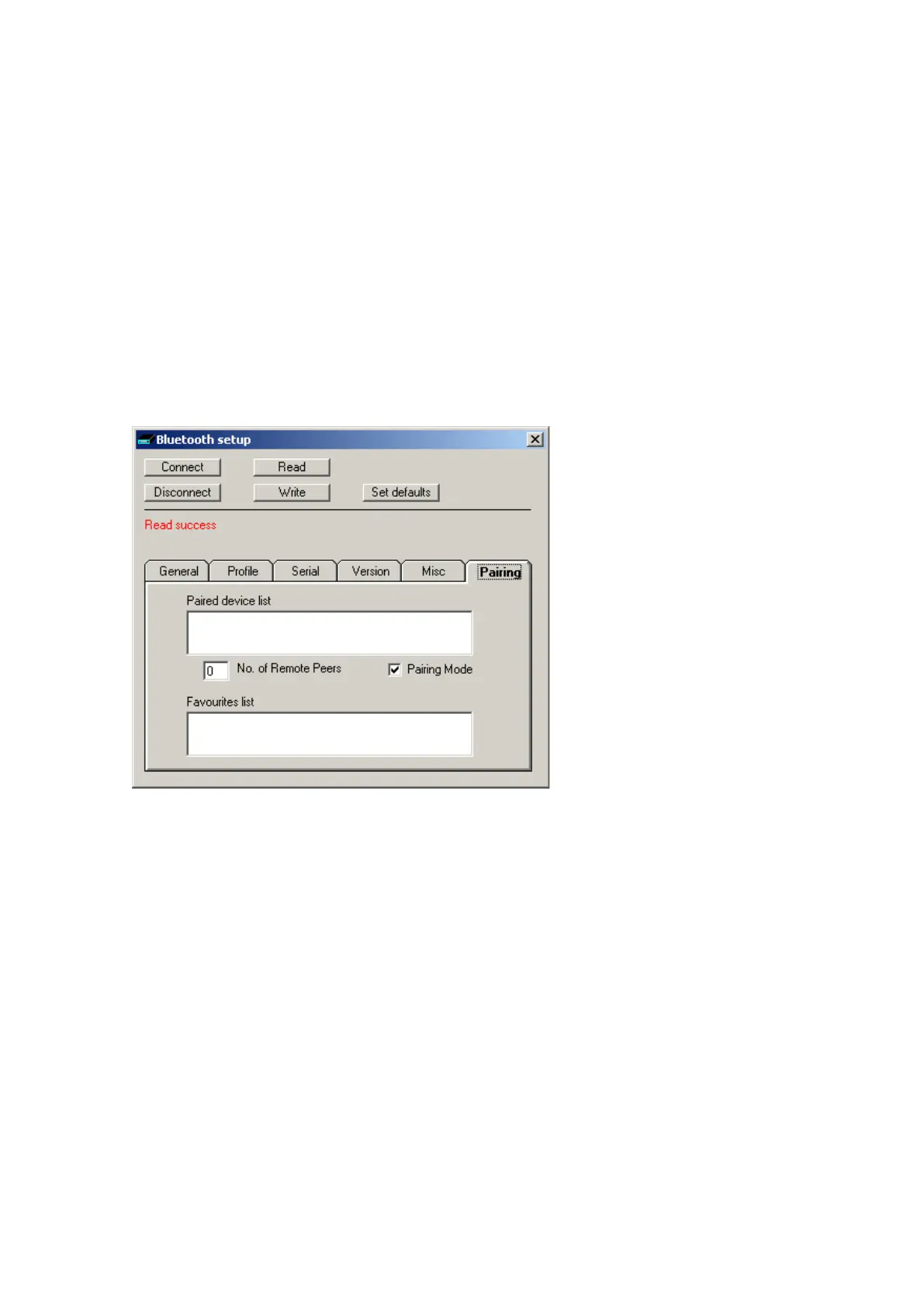
Tab 6 cont ains t he fifth set of Bluetooth options as shown in Figure 61 below.
Figur e 6 1 Tra ckit De fa u lt s | Blue t oot h Set u p Ta b 6 ( Pa iring)
• Pa ire d device list . This list s the current Paired device addresses stored in t he m odule.
• N o. of Re m ote Pe e r s. This is fixed at 0.
• Pair ing Mode . Sets Pairing Mode on or off. The default is on.
• Favourit es list . This list s t he current Favourit es device addresses st ored in t he m odule.



 To Next Page