Trackit Mk3 User Manual
76
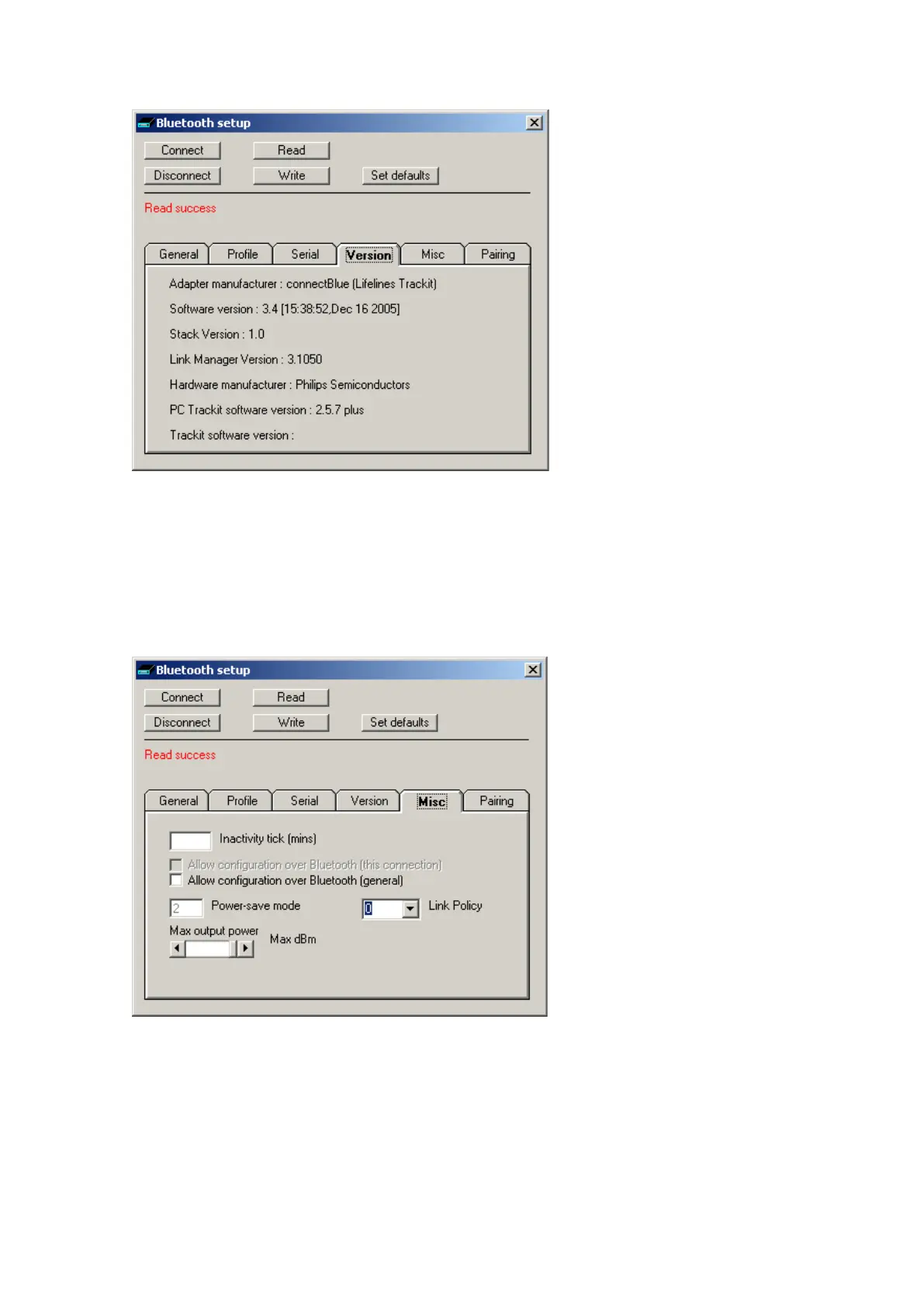
Figur e 5 9 Tra ckit De fa u lt s | Blue t oot h Set u p Ta b 4 ( Ve r sion)
Here is list ed all t he versions of the various hardware and soft ware com ponent s in t he syst em .
Bluetooth Setup | Tab 5 (Misc)
Tab 5 cont ains t he fifth set of Bluetooth options as shown in Figure 60 below.
Figur e 6 0 Tra ck it De f a ult s | Bluet ooth Set up Tab 5 ( M isc)
• I nact ivit y tick. This option allows the Module to disconnect aft er a defined period of no data
act ivity. The Trackit applicat ion always transm its heart beat ( keep- alive) packets during connec-
tion, so t his option really only applies to connections from ot her types of rem ot e device. To en-
able t he option t he desired tim eout period in m inutes should be ent ered. To disable t he option
a zero should be ent ered. I n norm al sit uations t he opt ion should be disabled.



 To Next Page