Lighthouse SOLAIR 3350, 5350 Gen E Operating Manual
6-44 248083387-1 Rev 10
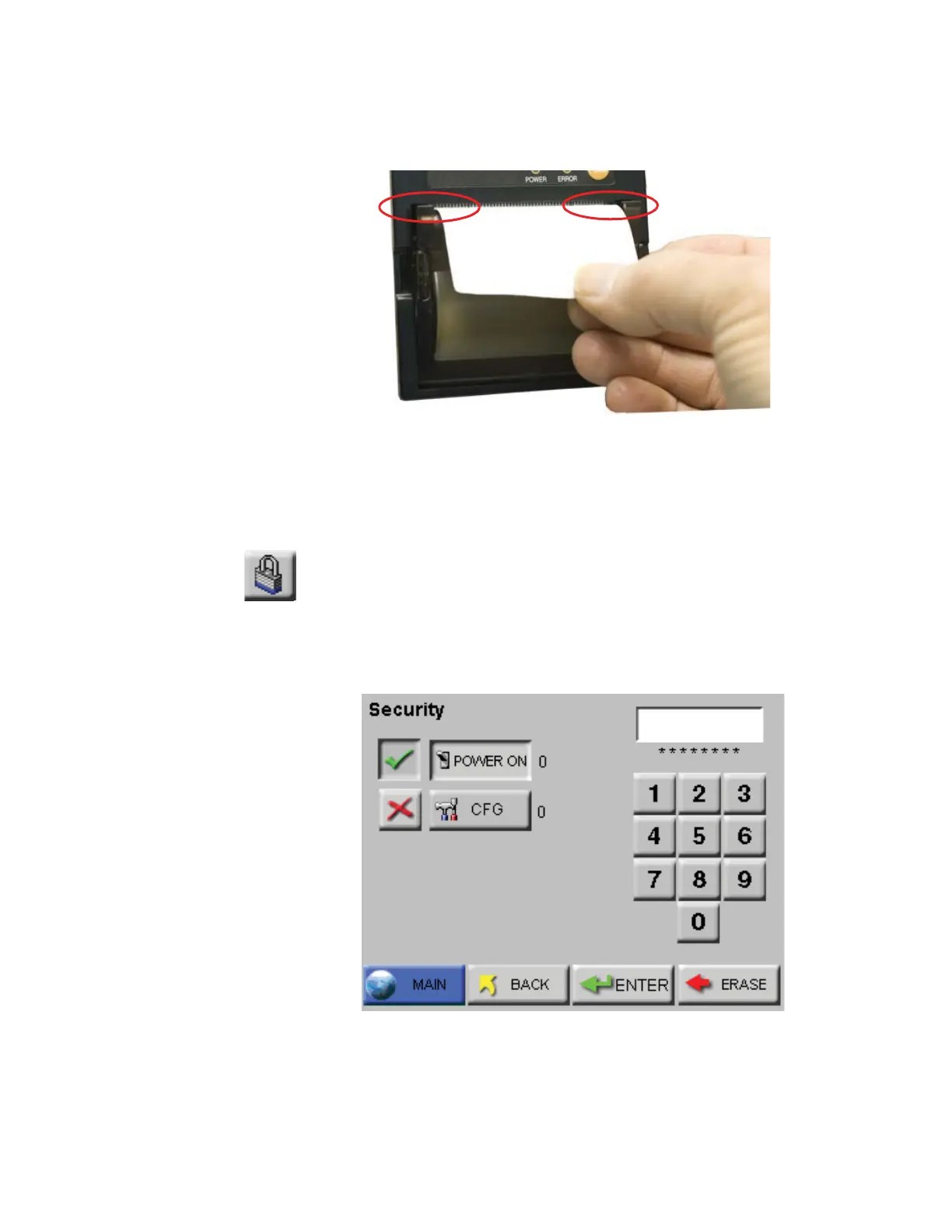
ACTION: make sure the paper is lined up with the left and right sides
of the paper feed. See Figure 6-58.
Figure 6-58 Paper alignment through paper feed
• The roll could be nearly empty, leaving a lightweight core that
might get off center if the printouts are torn off too quickly.
ACTION: put in a new roll of thermal paper.
SECURITY
The Security screen allows the user to restrict access to the instrument
and/or configuring the instrument, the SOLAIR has two different
password levels. See Figure 6-59.
Figure 6-59 Security Password Configuration Screen
To restrict who can operate the instrument, enable the POWER ON
password. When the POWER ON password is enabled, in order to use
lined up evenly
between left & right
sides










 To Next Page