Operate Counter
248083387-1 Rev 10 6-43
Trouble
Shooting the
Printer
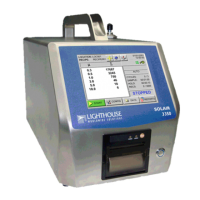
Nothing Prints
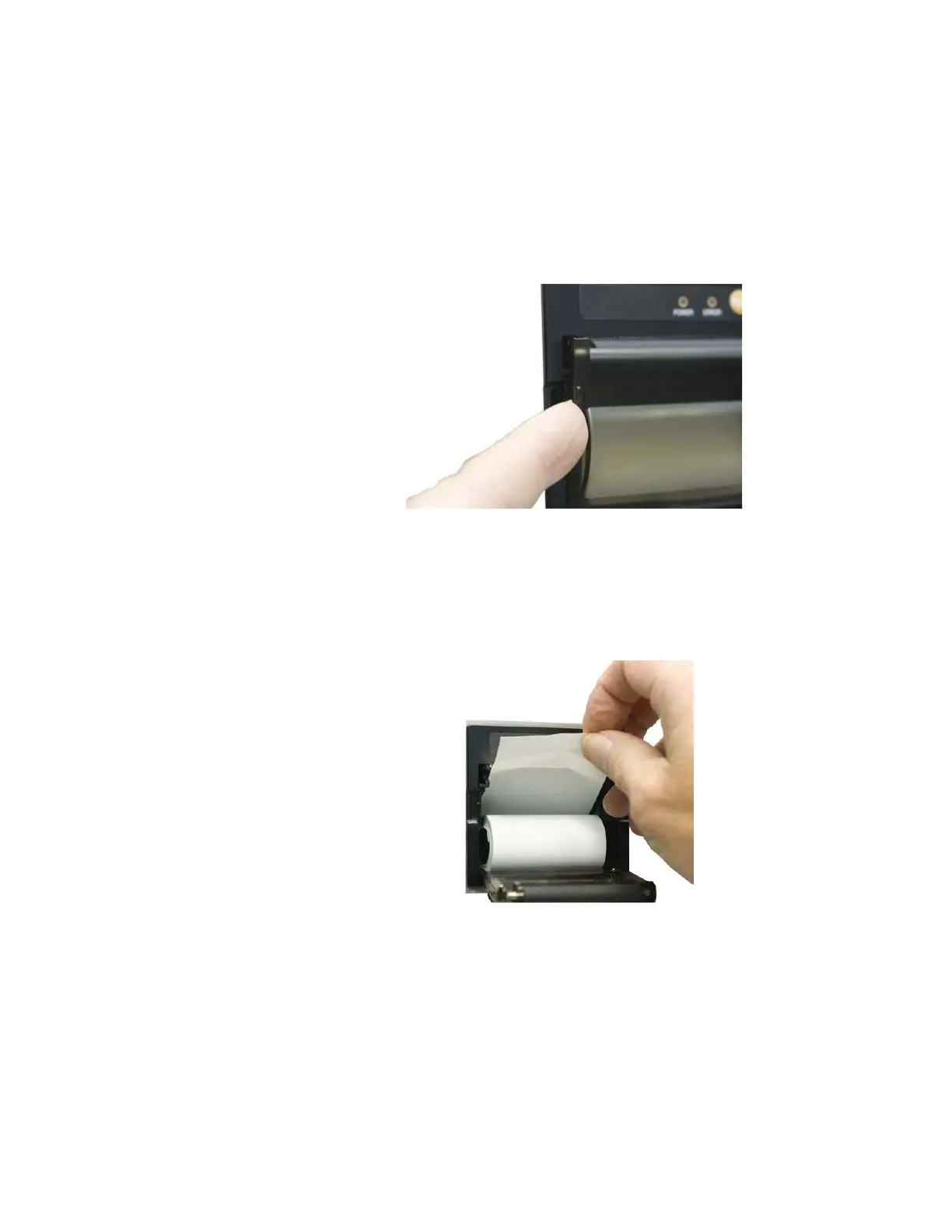
• The printer door may not be completely closed.
ACTION: close the door completely. See Figure 6-56.
• Print Output is directed to USB Flash Drive.
ACTION: Redirect output to printer.
Figure 6-56 Door is Closed and Latched
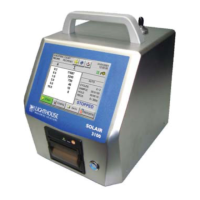
• The printer paper may be loaded backwards.
ACTION: open the printer door and verify that the paper is feeding
from the TOP of the roll. See Figure 6-57.
Figure 6-57 Correct paper loading position
• Non-thermal paper might have been substituted.
ACTION: replace non-thermal paper with Thermal paper.
Printing is Not Straight
• The paper isn’t aligned properly through the paper feed.



 To Next Page