Operate Counter
248083387-1 Rev 10 6-21
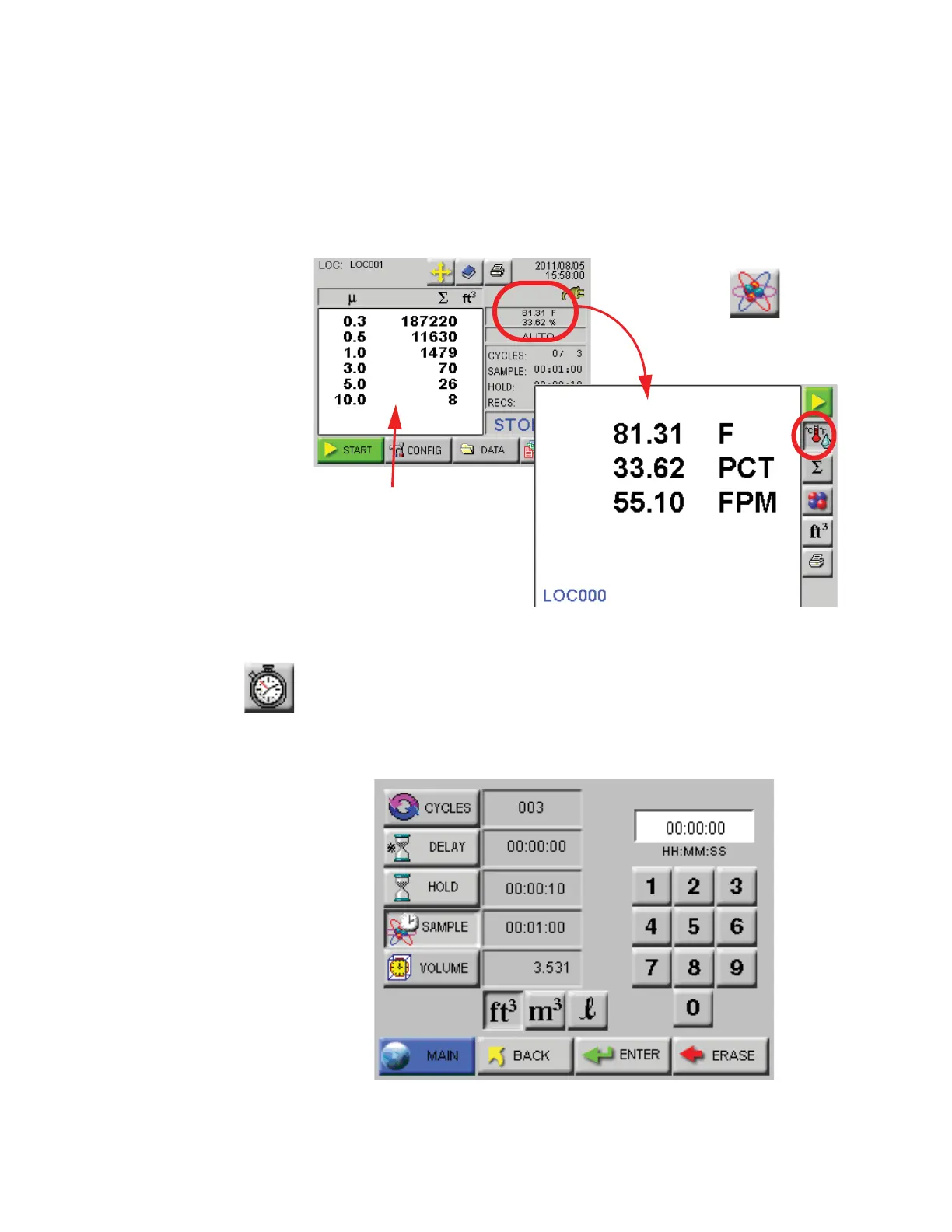
Zoomed Analog Data Display
When the instrument is Holding or is not Counting, the user may touch
anywhere on the Particle Data display area to activate the Zoomed Data
View. Touch the Particle button to switch view to analog data. See
Figure 6-27.
Figure 6-27 Zoomed Analog Data Displayed
SAMPLE
Configure the Sample Time and the number of samples to be collected
on the Sample screen. See Figure 6-28.
Figure 6-28 Sample Timing Configuration Screen
Particle Data
display area










 To Next Page