Lighthouse SOLAIR 3350, 5350 Gen E Operating Manual
6-20 248083387-1 Rev 10
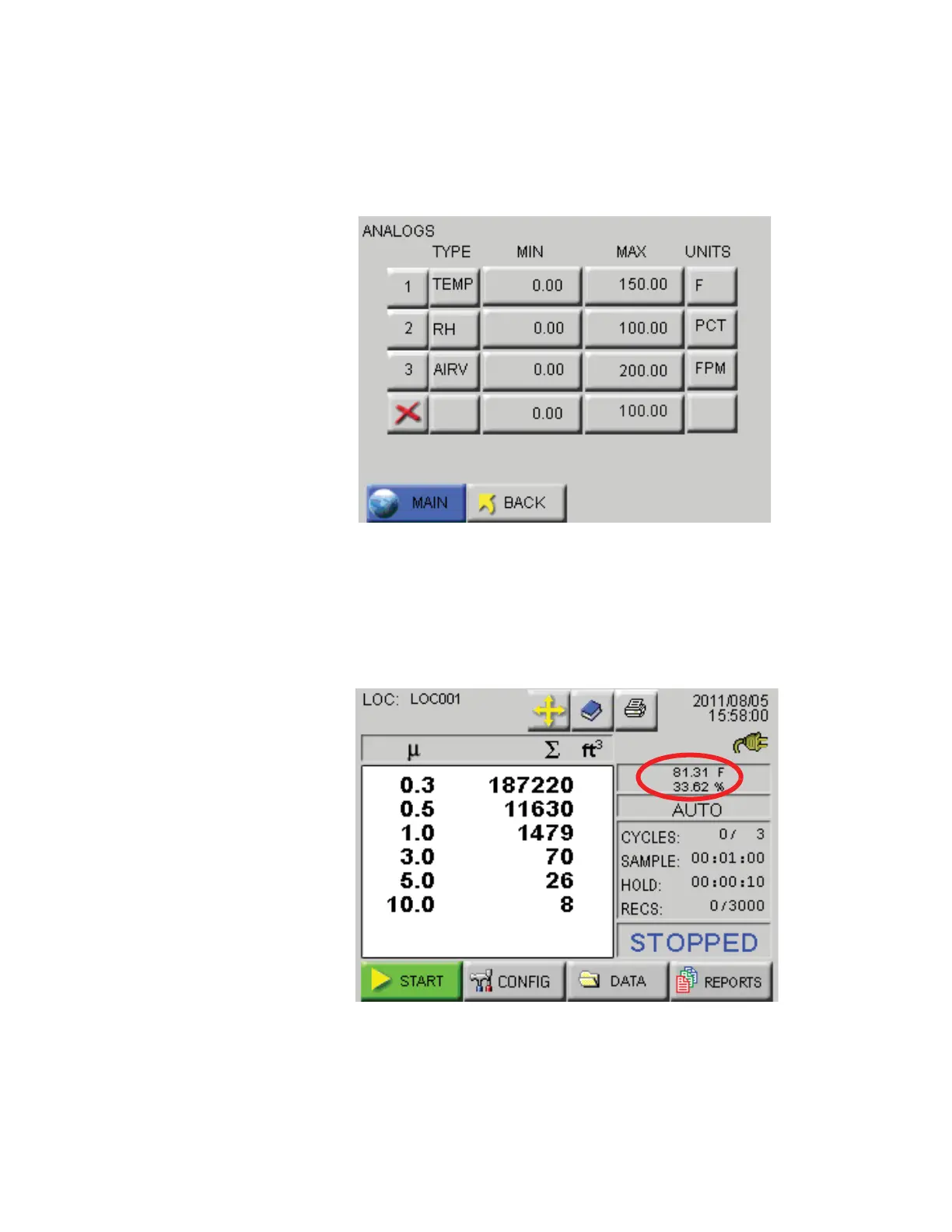
When the desired settings are complete, a screen showing data similar
to that shown in Figure 6-25 allow the user to review the settings. To
return any of the screens to correct or change an entry requires only to
press the corresponding button.
Figure 6-25 Analog Settings Complete Screen
Analog Data Display
Figure 6-26 shows the MAIN screen where the values for Analog 1 and
Analog 2 are displayed above the instrument counting mode.
Figure 6-26 Analog Data Displayed










 To Next Page