Lighthouse SOLAIR 3350, 5350 Gen E Operating Manual
6-58 248083387-1 Rev 10
PRINT RANGE (BUFFER Report)
The instrument stores up to 3000 records in its data buffer. The Buffer
Report prints all or a range of the records in the buffer in the format
specified by the selections in the Configuration.
At the end of the Buffer Report, the following summary information is
printed.
• Data displayed in Cumulative or Differential mode
• Raw (“Particle Counts”) or Normalized (“Particles/ft
3
” or
“Particles/m
3
”). See Figure 6-75.
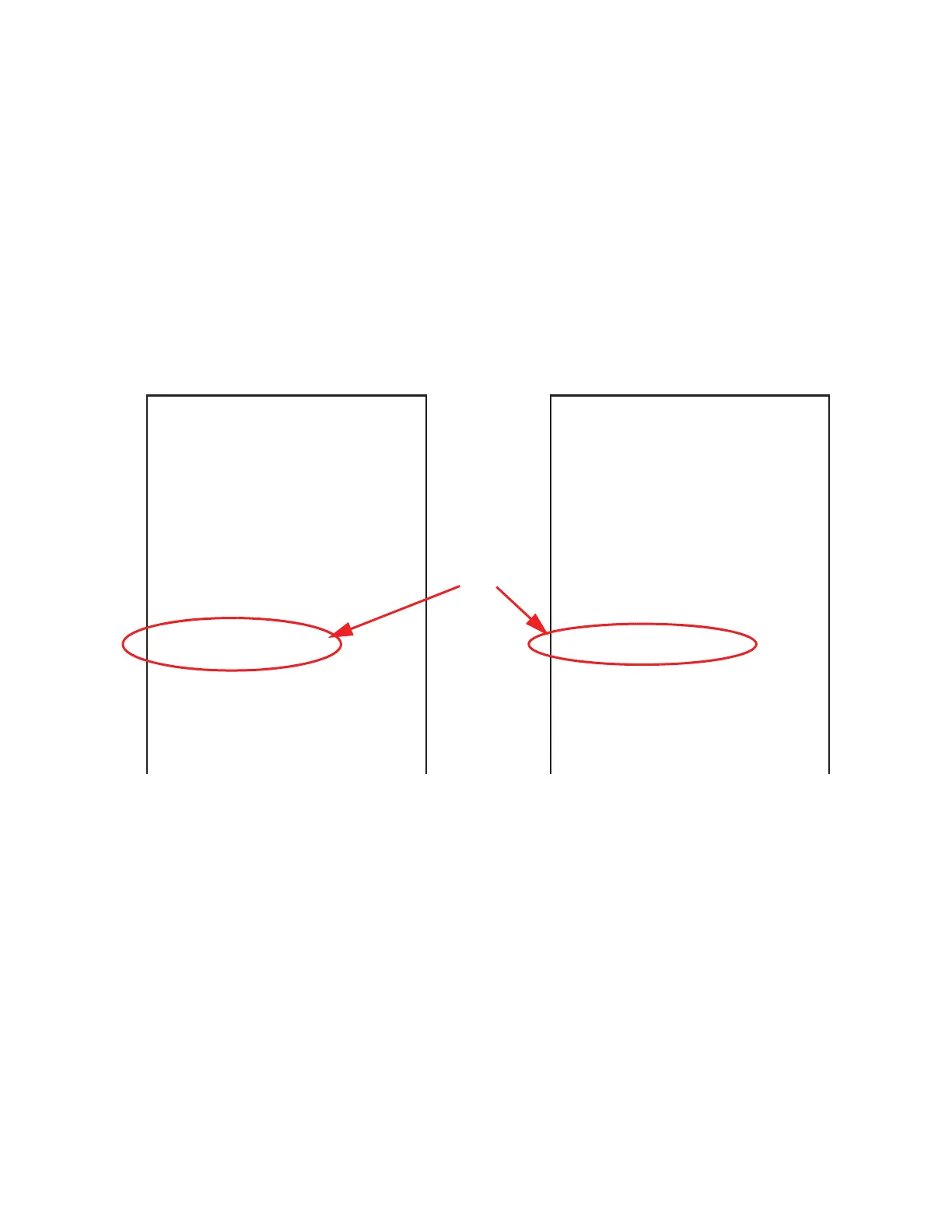
Figure 6-75 Sample Report Formats
• # of samples in the report
• For each channel size:
• Maximum Value
• Minimum Value
• Average
• Standard Deviation
View the same data in different formats just by changing the Particle
Display options on the Sample Setting screen.
**SOLAIR 3350**
Serial #: 090405005
-----
Location: TEST1234
06/04/2009, 15:34:46
Sample Time: 00:01:00
Flow: 100 lpm
Laser: OK
AIRV: 15.5 FPM
Particle Counts:
Size Cumul
0.3 32543
0.5 3425
1.0 853
3.0 56
50 27
**SOLAIR 3350**
Serial #: 090405005
-----
Location: TEST1234
06/04/2009, 15:34:46
Sample Time: 00:01:00
Flow: 100 lpm
Laser: OK
AIRV: 15.5 FPM
Particles/ ft^3:
Size Cumul
0.3 32543.0
0.5 3425.0
1.0 853.0
3.0 56.0
50 27 0
This indicates
whether the data
viewed is in
RAW counts or
Normalized
counts.



 To Next Page