Lighthouse SOLAIR 3350, 5350 Gen E Operating Manual
3-10 248083387-1 Rev 10
Loading Printer Paper
If the SOLAIR 3350 or 5350 is equipped with the optional built-in
thermal printer, please read the following instructions to set it up.
Note:
Thermal paper
must be used. The
printer will not print on
regular paper.
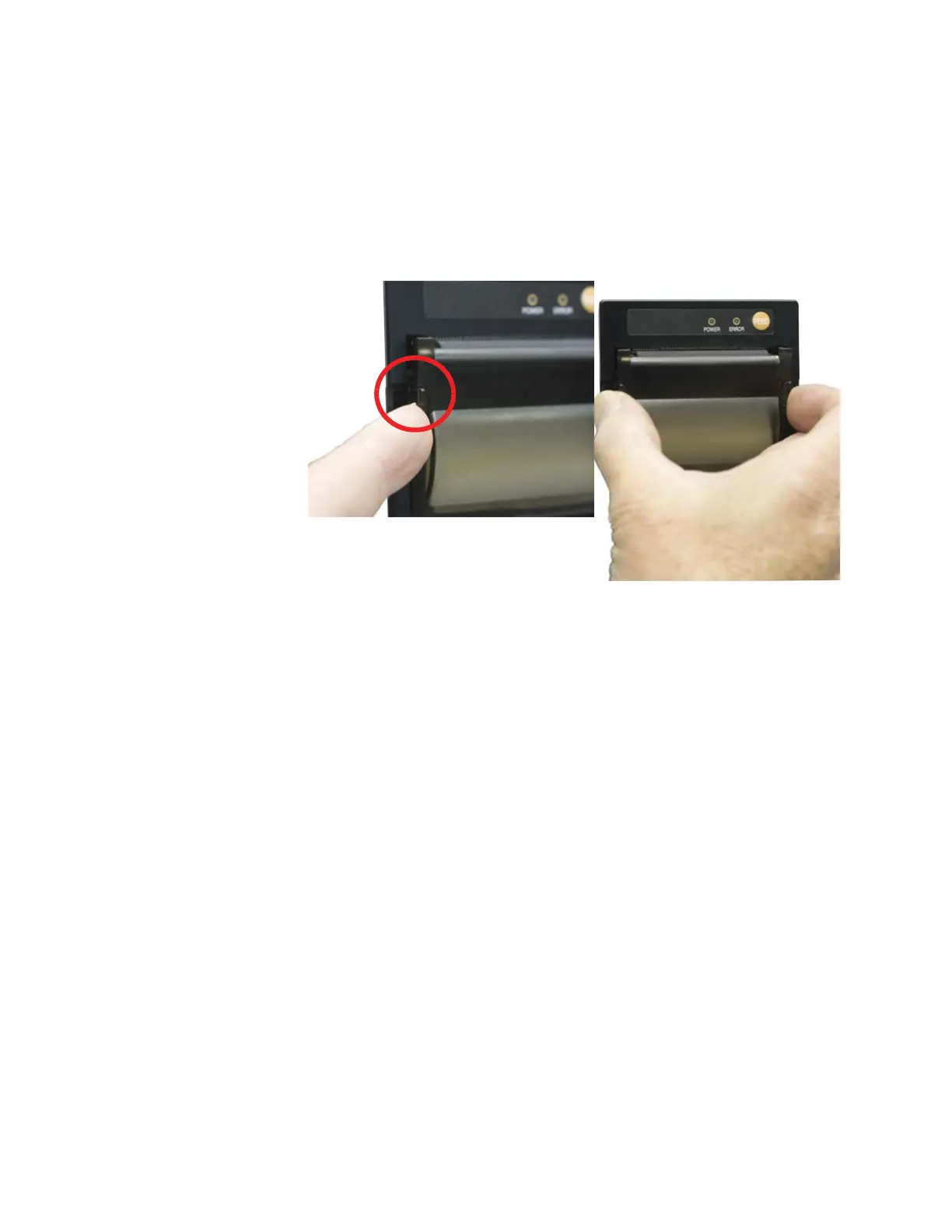
1. Grasp each side of the printer door, depress the side latches and pull
carefully away from the SOLAIR to open. See Figure 3-11.
Figure 3-11 Opening Printer Door










 To Next Page