Operate Counter
248083387-1 Rev 10 6-29
When the instrument begins to beep in response to the Alarm settings,
silence the beep by pressing anywhere on the MAIN screen. After
acknowledging the alarm, the count will reset when the next sample
cycle begins.
CLEAR BUFFER
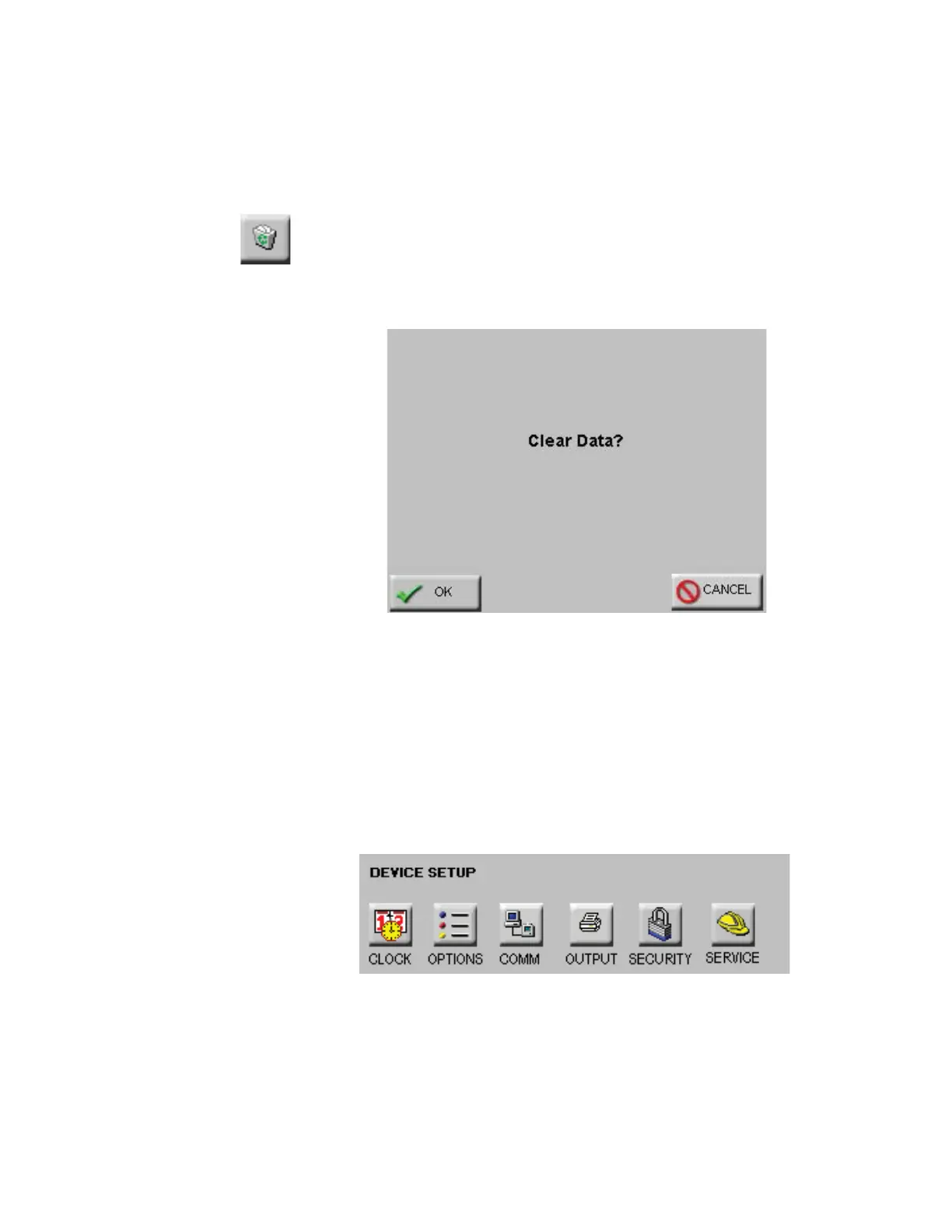
To clear the data buffer on the instrument, press the Clear Buffer
button. See Figure 6-35.
Figure 6-35 Clear Buffer Message Screen
Press OK to clear the data or press Cancel to exit screen without
clearing the data.
DEVICE
SETUP
The Device Setup buttons allow the user to set and adjust how the
instrument operates when running samples. Specific functions can be
enabled and disabled for display options, data output and security. See
Figure 6-36.
Figure 6-36 Device Setup Options










 To Next Page