Lighthouse SOLAIR 3350, 5350 Gen E Operating Manual
6-4 248083387-1 Rev 10
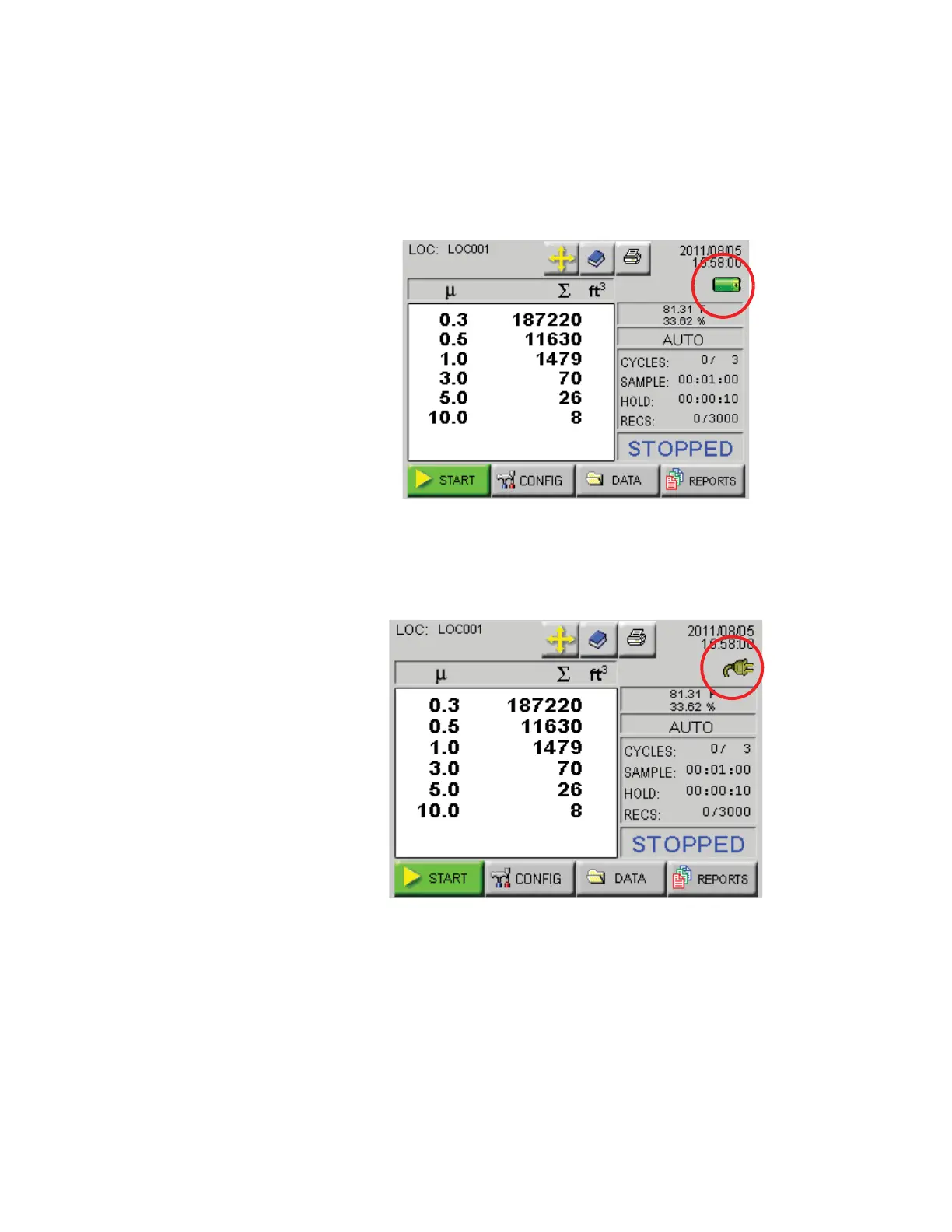
MAIN Screen The MAIN screen provides the user a snapshot view of the status of the
instrument. The instrument can be powered by AC power or an
internal, removable battery. When the instrument is using battery
power, the battery indicator will show the level of the battery charge
remaining. See Figure 6-2.
Note: The screen
examples in this chapter
are for visual reference.
The values displayed may
not be indicative of actual
values.
Figure 6-2 MAIN Screen - Battery Operated
When the AC indicator symbol is displayed, it indicates that the
instrument is getting its power from an AC source. See Figure 6-3.
Figure 6-3 MAIN Screen - AC in Use
The MAIN screen displays the following options and information:
• LOCATION: Displays the location that is currently being
measured. Up to 200 alphanumeric locations can be configured.
• LOCATION SELECT button: Allows user to change location










 To Next Page