Operate Counter
248083387-1 Rev 10 6-15
DATA SETUP Figure 6-17 displays the Data Setup option buttons. These options
allow the user to configure the parameters for data collection during a
sample.
Figure 6-17 Data Setup Options
Particle Channels
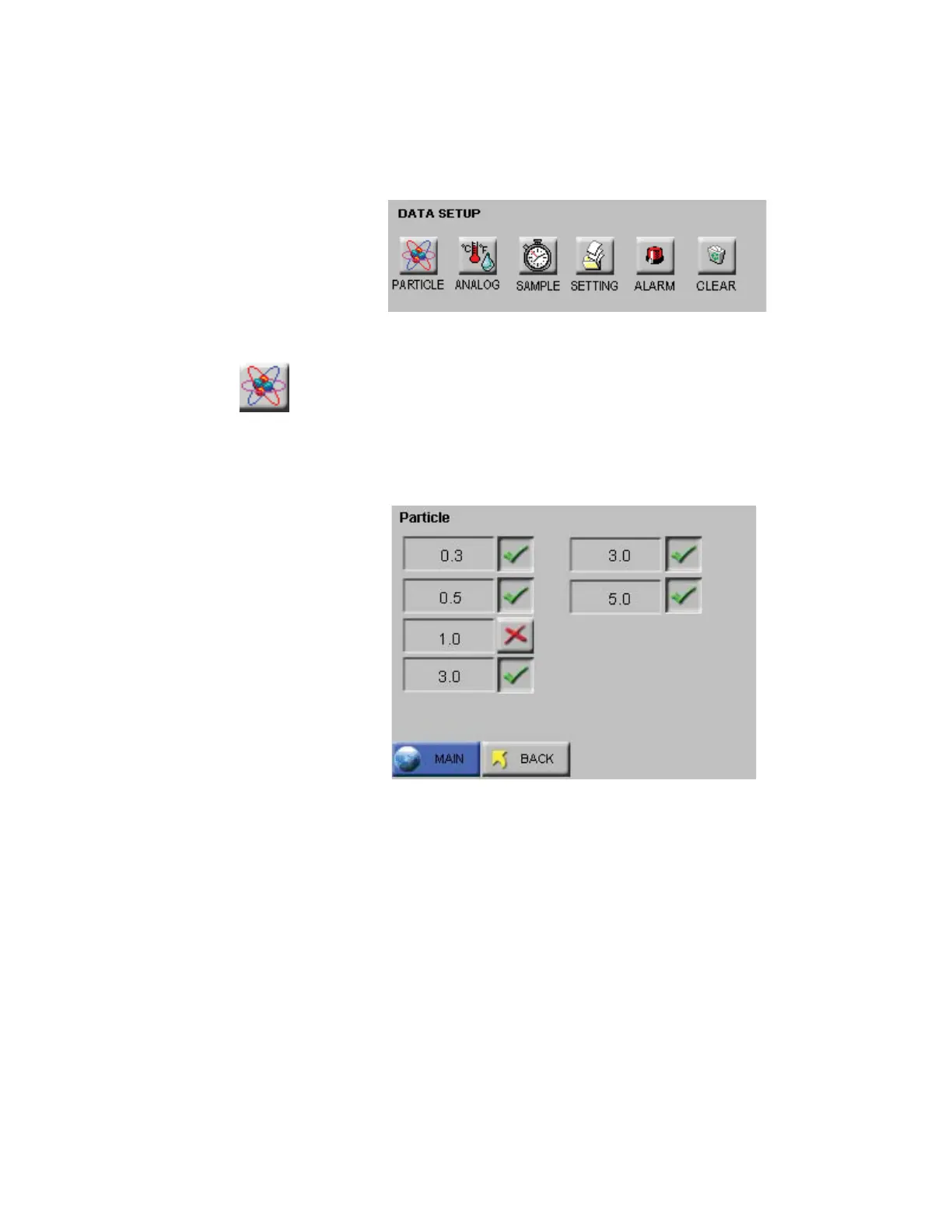
The instrument’s particle channels can be enabled or disabled on the
Particle Channel. A checkmark is displayed next to each enabled
channel. See Figure 6-18.
Figure 6-18 Particle Channel Configuration
Note:
The data buffer is
cleared when channels are
enabled or disabled so that
all of the data in the buffer
has the same number of
channels.
• The checkmark button next to each channel size is a toggle. Press it
once to disable a channel and a red “X” will display, indicating that
the channel is disabled. Press the button again and it will change
back to the checkmark, enabling the channel.










 To Next Page